

Browse help topics
Firm identity, make drafts sound like your firm
Set your letterhead details so generated proposals carry your firm's real address, never an invented one.
Organization Admin or Admin can set the firm identity the AI is allowed to place on generated proposals. It's a small panel, and it's worth setting on day one.
What you'll do
- Enter your firm's letterhead details
- Understand what happens if you leave it empty
Set your letterhead details
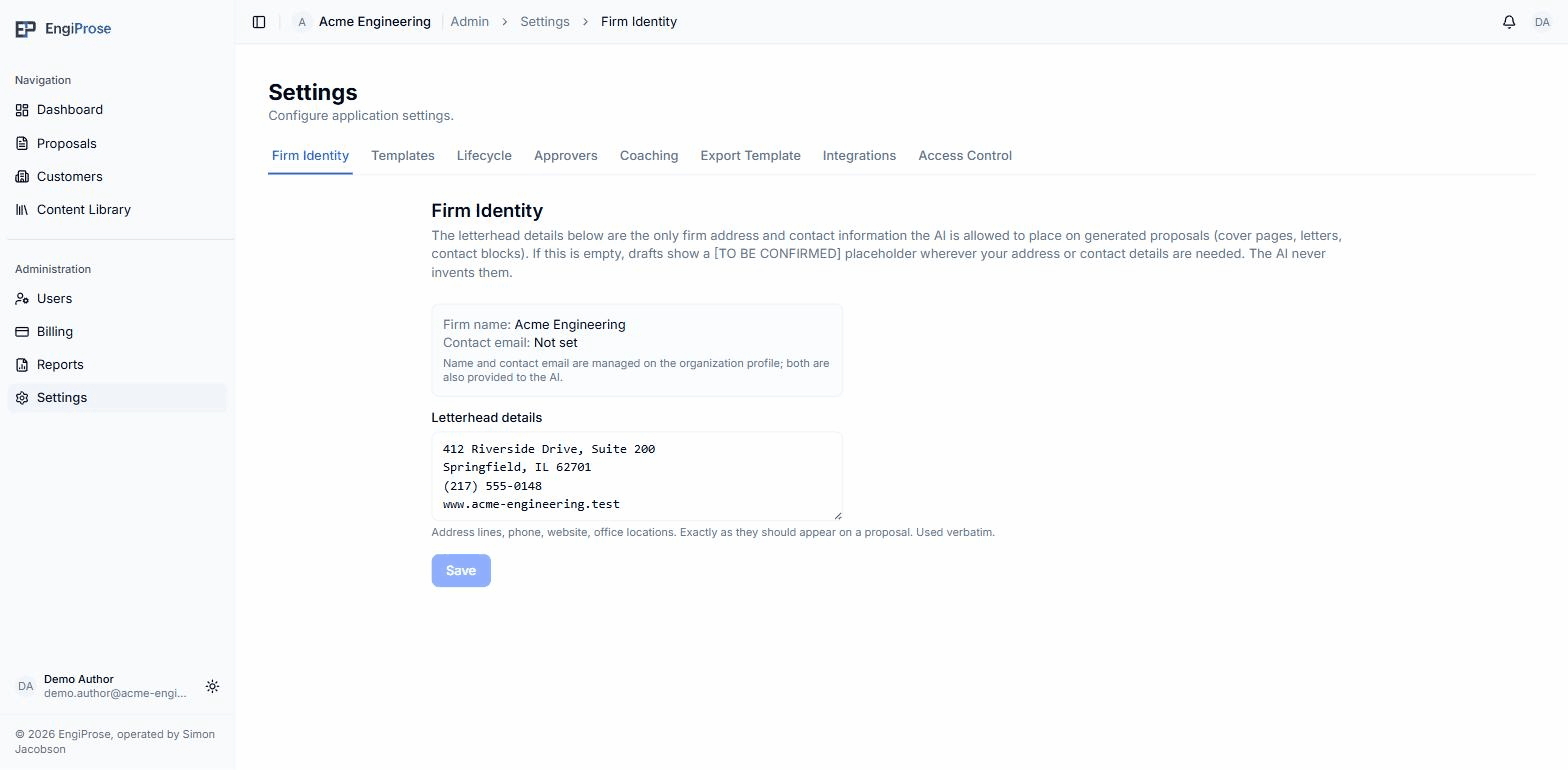
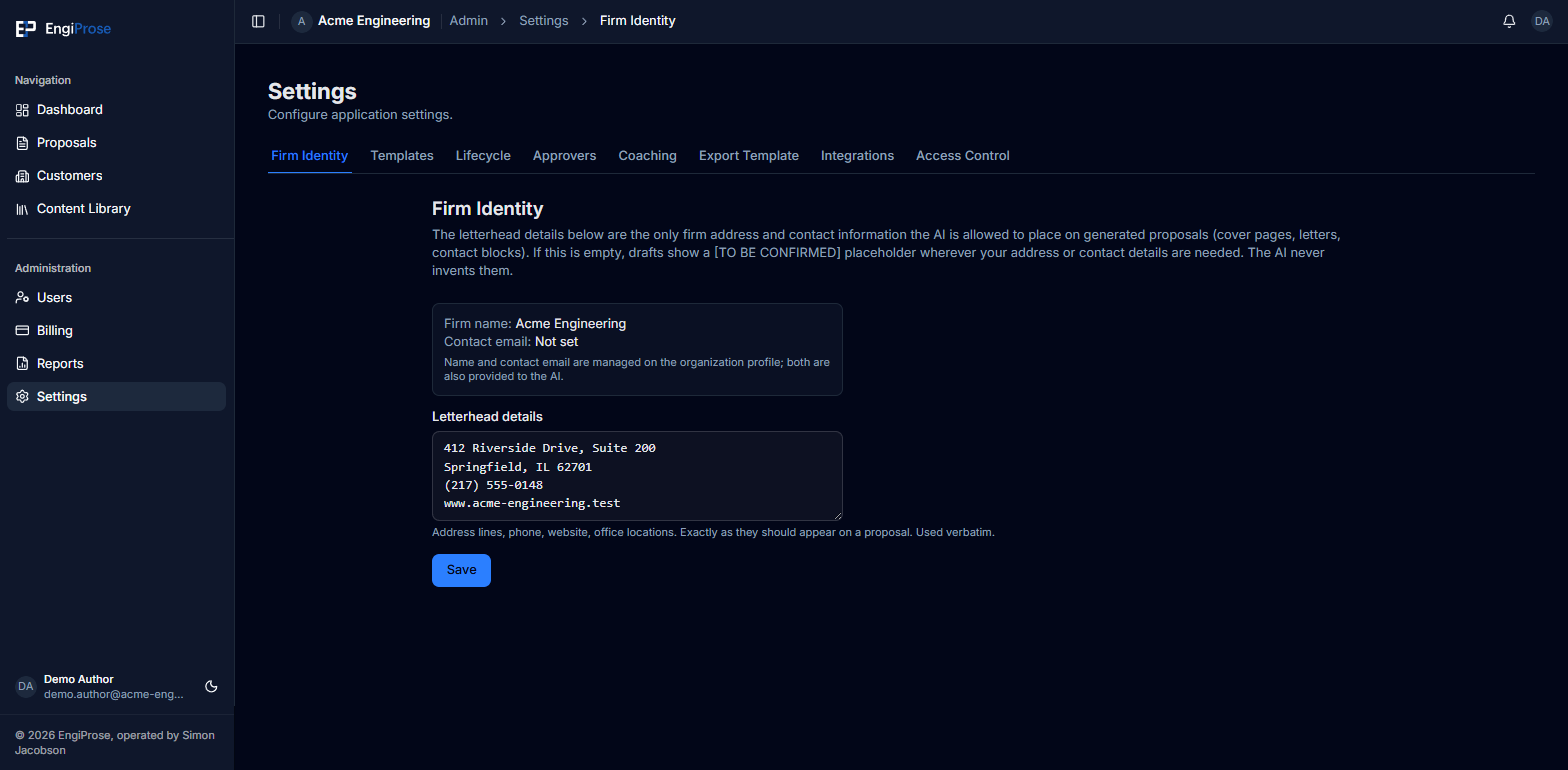
Open Firm Identity, under Settings. The Firm name and Contact email shown here come from your organization profile. Below them, the Letterhead details box is where you type your address lines, phone, website, and any office locations, exactly as they should appear on a proposal. Click Save.
"The letterhead details below are the only firm address and contact information the AI is allowed to place on generated proposals (cover pages, letters, contact blocks). If this is empty, drafts show a [TO BE CONFIRMED] placeholder wherever your address or contact details are needed. The AI never invents them."
That's the product's own wording, and it's worth taking literally: the AI will not guess your office address or phone number. Until you fill this in, generated drafts leave a visible placeholder wherever that information would go.
Letterhead details are used verbatim, so format them the way you want them to read on the page: one line per address line, phone, and website.
Common questions
Can I change my firm name here?
No. Firm name and contact email are managed on your organization profile, not this panel. Both are still provided to the AI alongside your letterhead details.
What if I have more than one office?
Add each office as its own set of lines in the letterhead details box. The AI uses the text as written.