

Browse help topics
Set default approvers
Choose the people new proposals start with for review, while allowing each proposal to use its own approver list.
Default approvers give new proposals a ready-made review list. An Admin or Organization Admin chooses the organization default, and an eligible proposal author can adjust the list for a particular proposal before sending it.
What you'll do
- Choose the organization's default approvers
- Confirm or change approvers on a proposal
- Understand what happens when no approver is selected
Set the organization default
You need an Admin or Organization Admin role to change this setting.
Open Settings, then select Approvers.
Use Add default approver to select each person who should normally review new proposals. Viewers cannot be approvers.
To remove someone, select the remove control beside their name.
Select Save Default Approvers. EngiProse confirms that the defaults were saved.
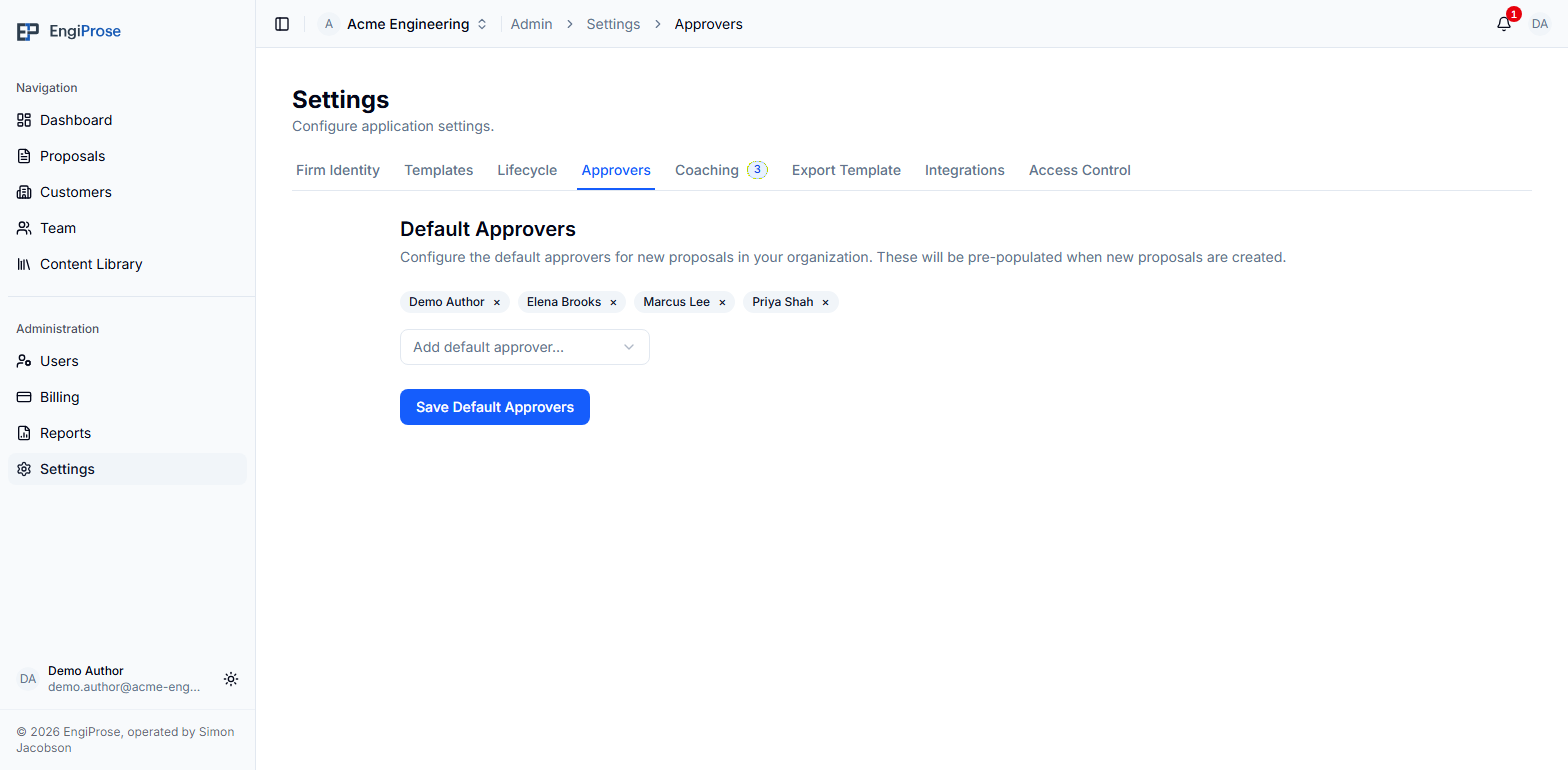
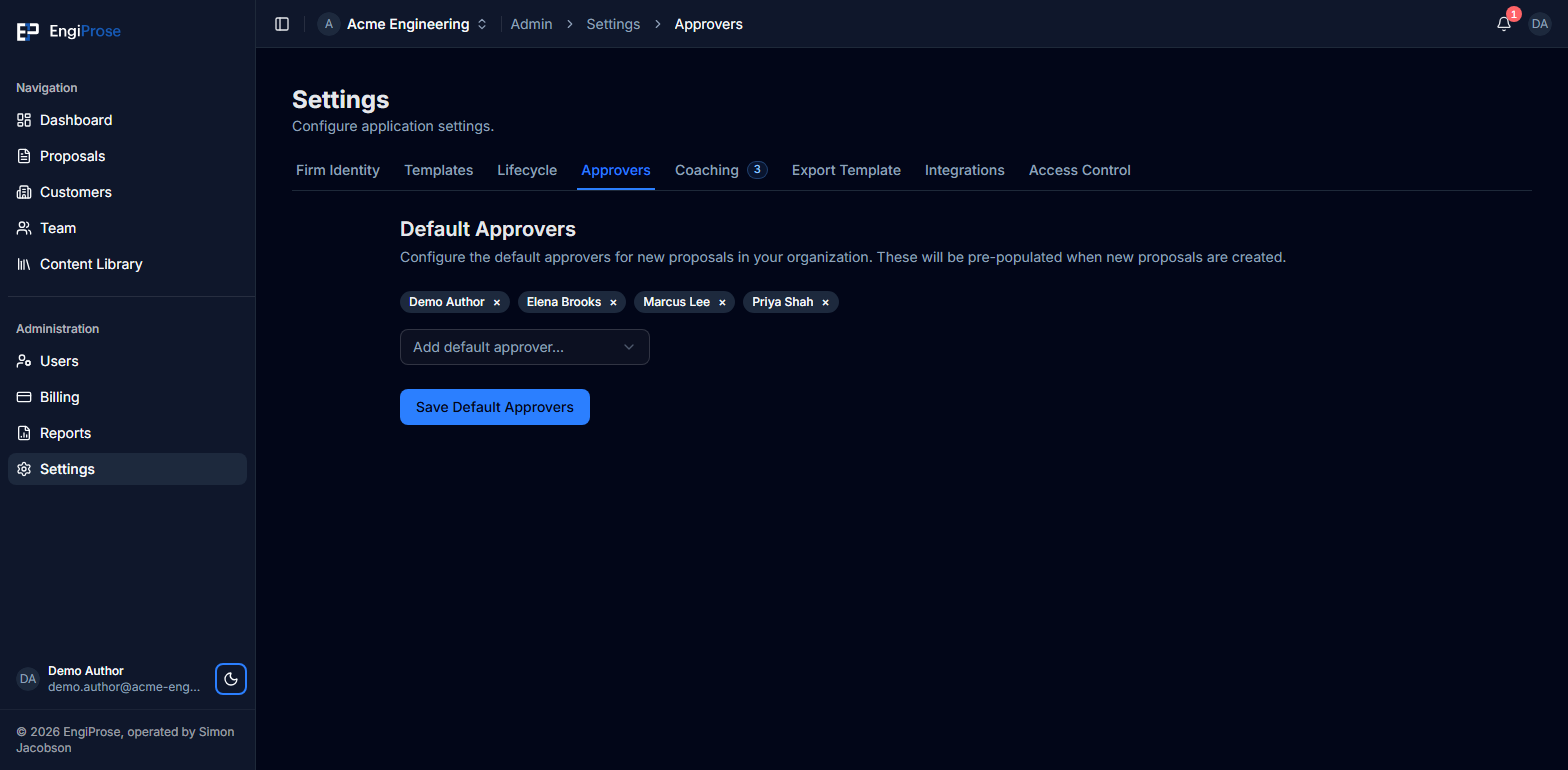
You can leave the list empty. At send time, if neither the proposal nor the organization has approvers configured, EngiProse assigns the active Organization Admins as the fallback reviewers.
Check approvers on each proposal
Defaults are a starting point, not a permanent rule for every proposal. Open the proposal's Details step and find Approvers under Authoring & Approval. The selected people appear as name chips.
If you are allowed to edit the proposal, use Add approver to add someone or the remove control on a chip to take them off. Changes made during setup save immediately. When you are revisiting the Details step in its review mode, select Edit, make the changes, then use Save or Cancel with the rest of that page.
Choosing a proposal-specific approver list overrides the organization default for that proposal. The list stays with the proposal even if the optional Review setup step is turned off.
Confirm the review list before sending
The Send for review step shows the resolved reviewers as read-only chips. To change them, follow Approvers in Step 2 (Details). The send screen does not maintain a second reviewer list.
If the organization-admin fallback is being used, the send screen explains that no approvers were configured and that Organization Admins will review. Sending is blocked only if EngiProse cannot resolve any eligible approver.
Common questions
Who can be a default approver?
An active Admin, Organization Admin, or Member can be selected. A Viewer cannot be assigned as an approver.
Does changing the default replace a proposal's chosen approvers?
No. A proposal-specific list is its own selection. Review the names in the proposal's Details step whenever the right reviewers differ from the usual organization default.
What happens if the default list is empty?
The author can select approvers on the proposal. If no proposal approvers are selected either, active Organization Admins are used when the proposal is sent for review.