

Browse help topics
Your profile, appearance and sign out
Check your identity and active organization, choose a light or dark appearance, and sign out safely.
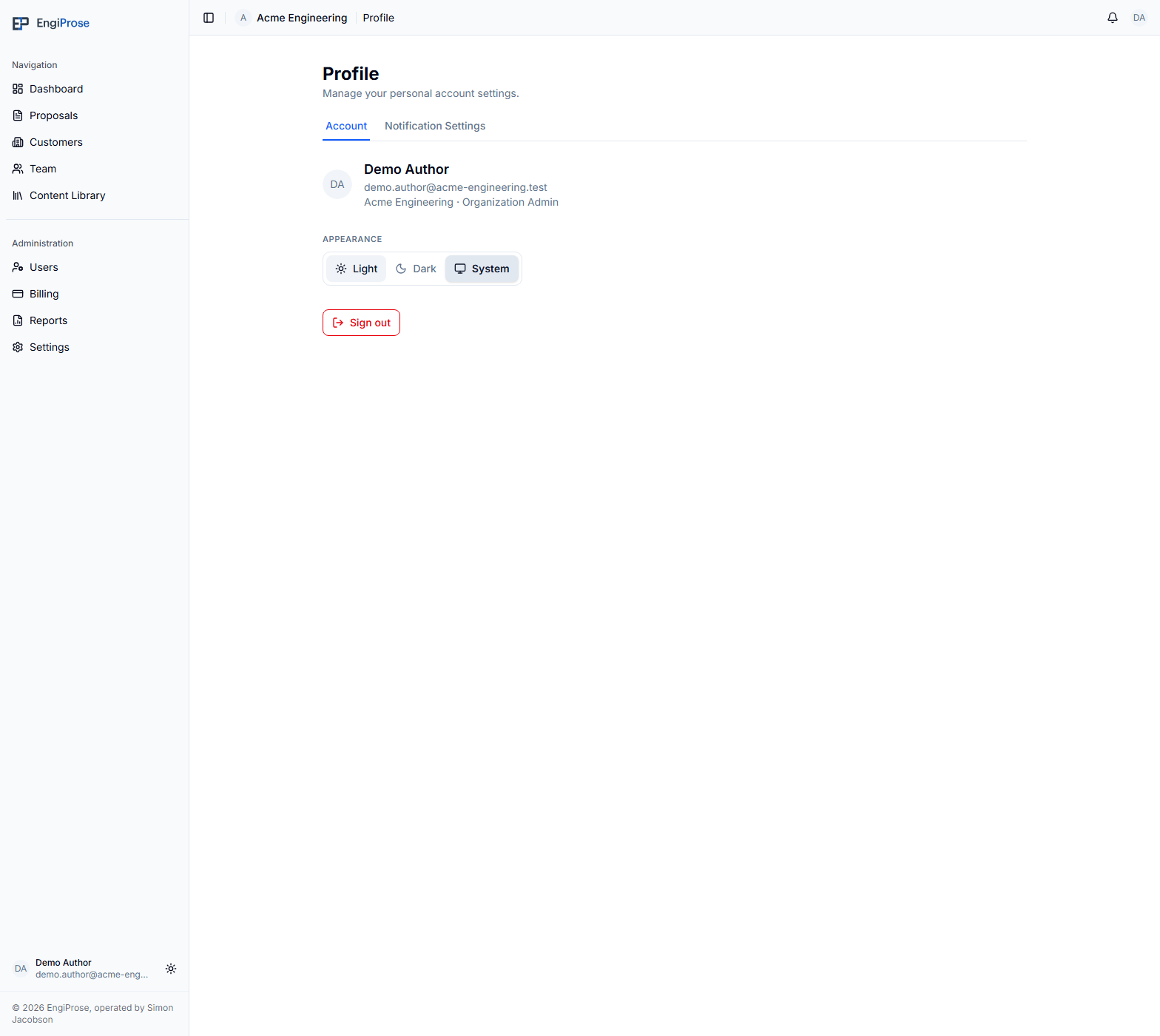
Open Account from the main navigation to see the identity EngiProse is using, choose how the app looks on this device, or sign out.
What you'll do
- Check your name, email, active organization, and role
- Choose Light, Dark, or System appearance
- Understand the optional home-screen hint
- Sign out of EngiProse
Check your current identity
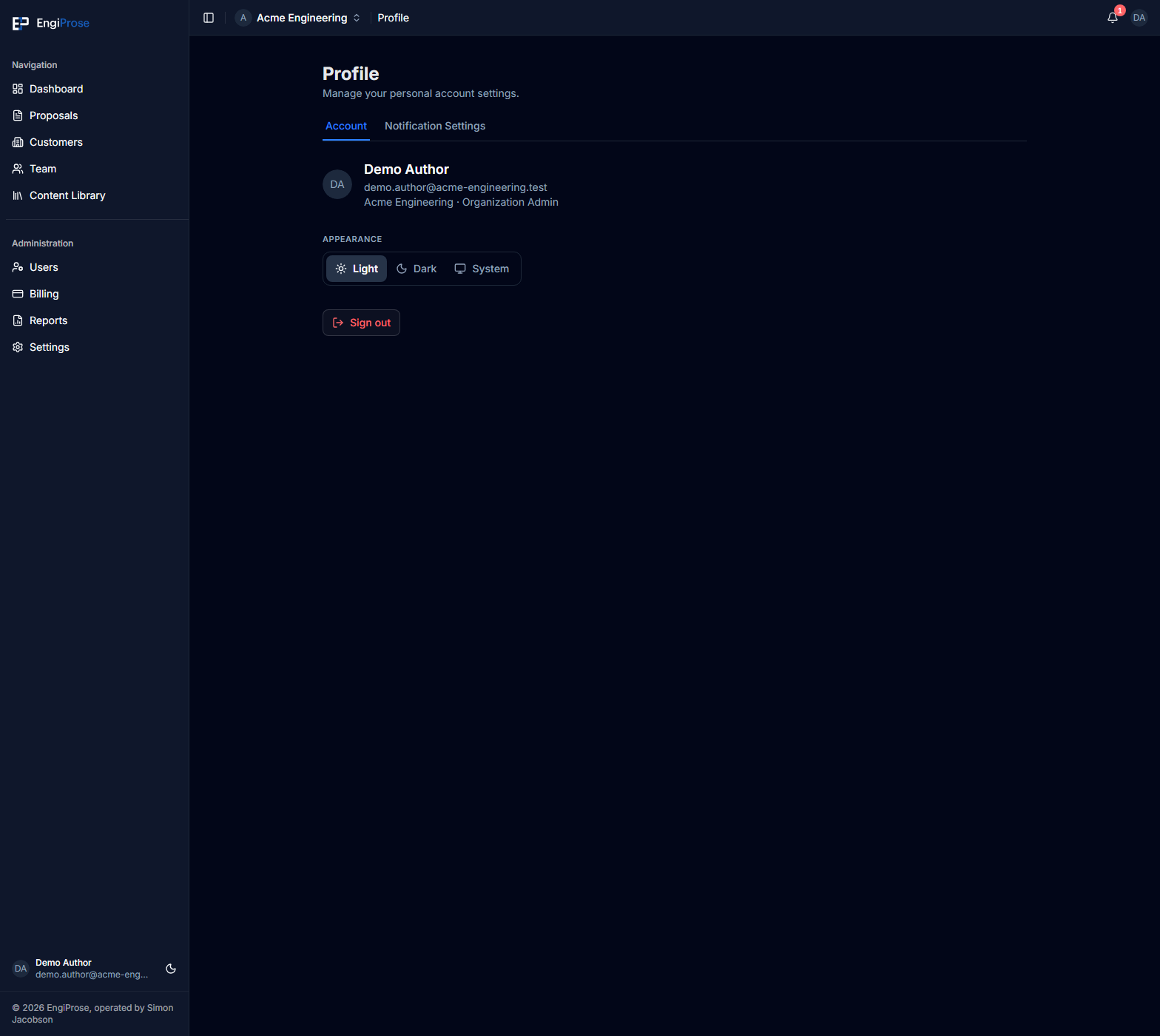
The top of the Account page shows your profile image or initials, display name, email address, active organization, and role. This block is read-only.
If you belong to more than one organization, use the organization menu in the app header to change the active one. The organization and role shown on Account update with that choice. See Switch between organizations for the full flow.
Choose the appearance
Under Appearance, choose one of three options:
- Light keeps the light color scheme.
- Dark keeps the dark color scheme.
- System follows your device or browser preference.
The change applies immediately across EngiProse. Choosing System also lets the app follow later light or dark changes made in your device settings.
Add EngiProse to a home screen
On a compatible device and browser, Account may show Add to home screen for the best experience. Use your browser's install or add-to-home-screen action if you want EngiProse to open more like an installed app. You can dismiss the hint without changing any account setting.
The hint appears only when it is useful, so it may be absent when EngiProse is already installed or the browser does not offer that experience. See Use EngiProse on a phone or tablet for mobile navigation and device guidance.
Sign out
Select Sign out at the bottom of Account. EngiProse clears the signed-in session on this device and returns you to the sign-in page.
Common questions
Can I edit my name or email from Account?
No. The identity block on this page is read-only.
Why don't I see the home-screen hint?
It appears only when the current device and browser can use it and EngiProse is not already installed. Its absence does not affect normal browser use.
Does Dark appearance change my exported Word documents?
No. Appearance changes the EngiProse interface on your device, not proposal content or Word styling.