

Browse help topics
Approve or deny EngiProse support access
Control exactly what EngiProse support can see, for how long, and revoke it whenever you want.
Sometimes EngiProse support needs to see inside your organization to help with an issue. They never get in without you: every grant is either approved by you from a request, or started by you directly. This article is for Organization Admins, the only role that can decide.
What you'll do
- Approve or deny a support request
- Know what a grant lets support see, and for how long
- Revoke access early, if you ever need to
Where to find it
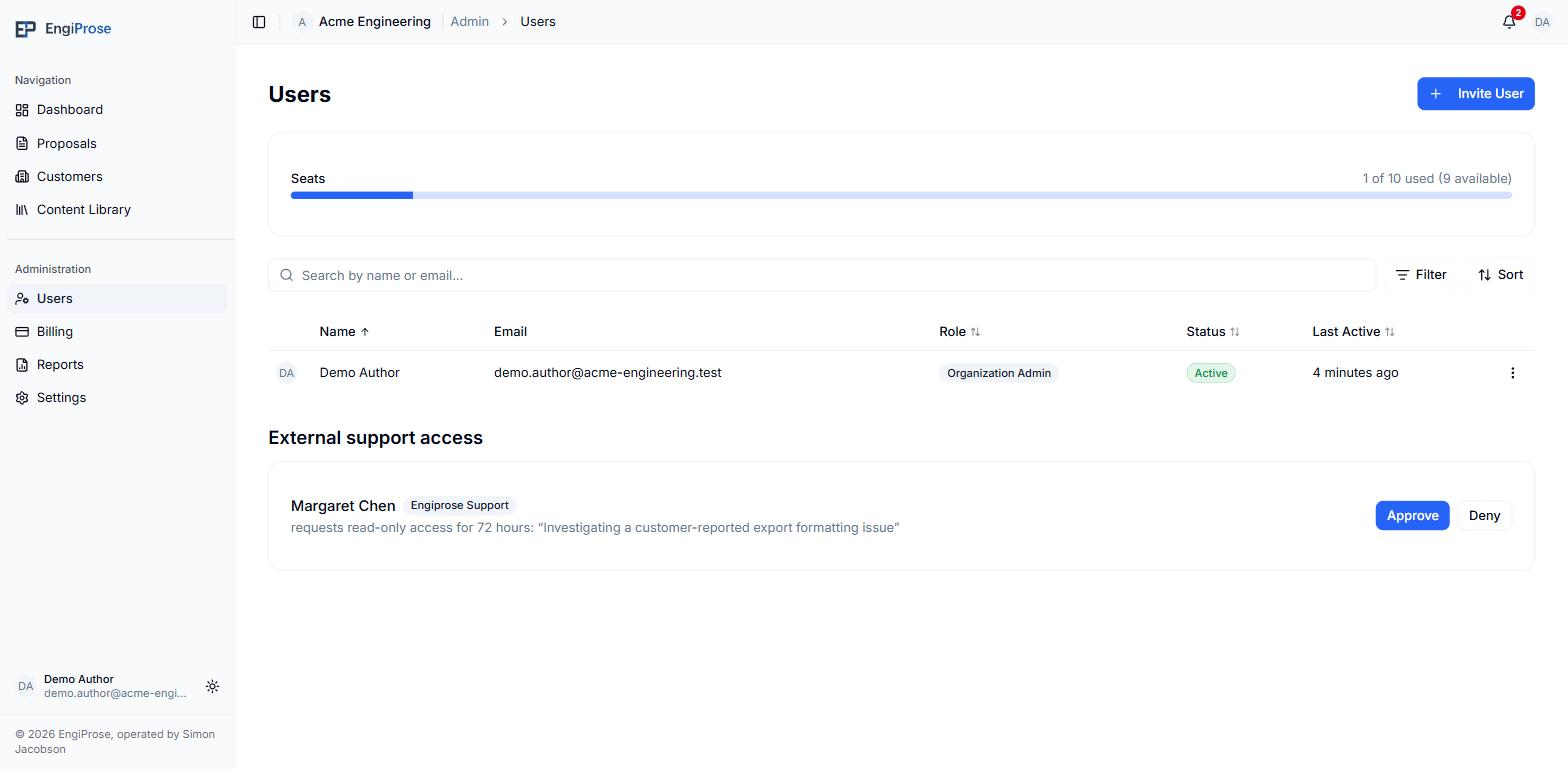
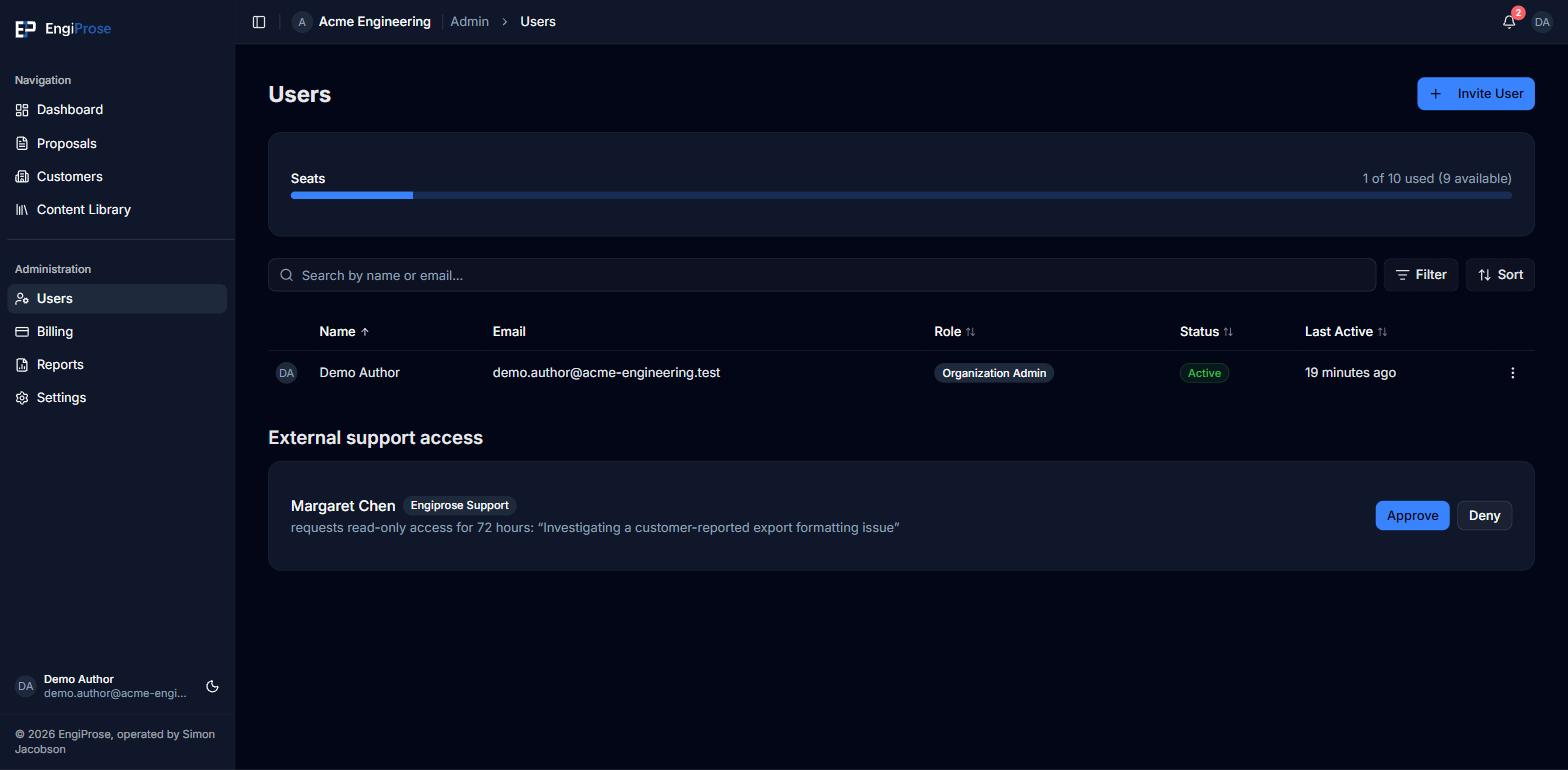
External support access sits below the user list on the Users page, under Administration in the sidebar.
With nothing pending or active, the section reads: "No external support access. When Engiprose support requests temporary access to help your team, you'll approve it here."
Approve or deny a request
A pending request names who is asking, shows a fixed Engiprose Support badge, and states the duration they are requesting and why: "requests read-only access for 24 hours" (or 72 hours, or 7 days), with their reason in quotes.
Select Approve to grant it, or Deny to turn it down. Denying needs no confirmation.
Approving asks you to confirm: "Grant [name] read-only access to your proposals and team until [date]? You can revoke anytime." Select Grant access to confirm, or Cancel to back out.
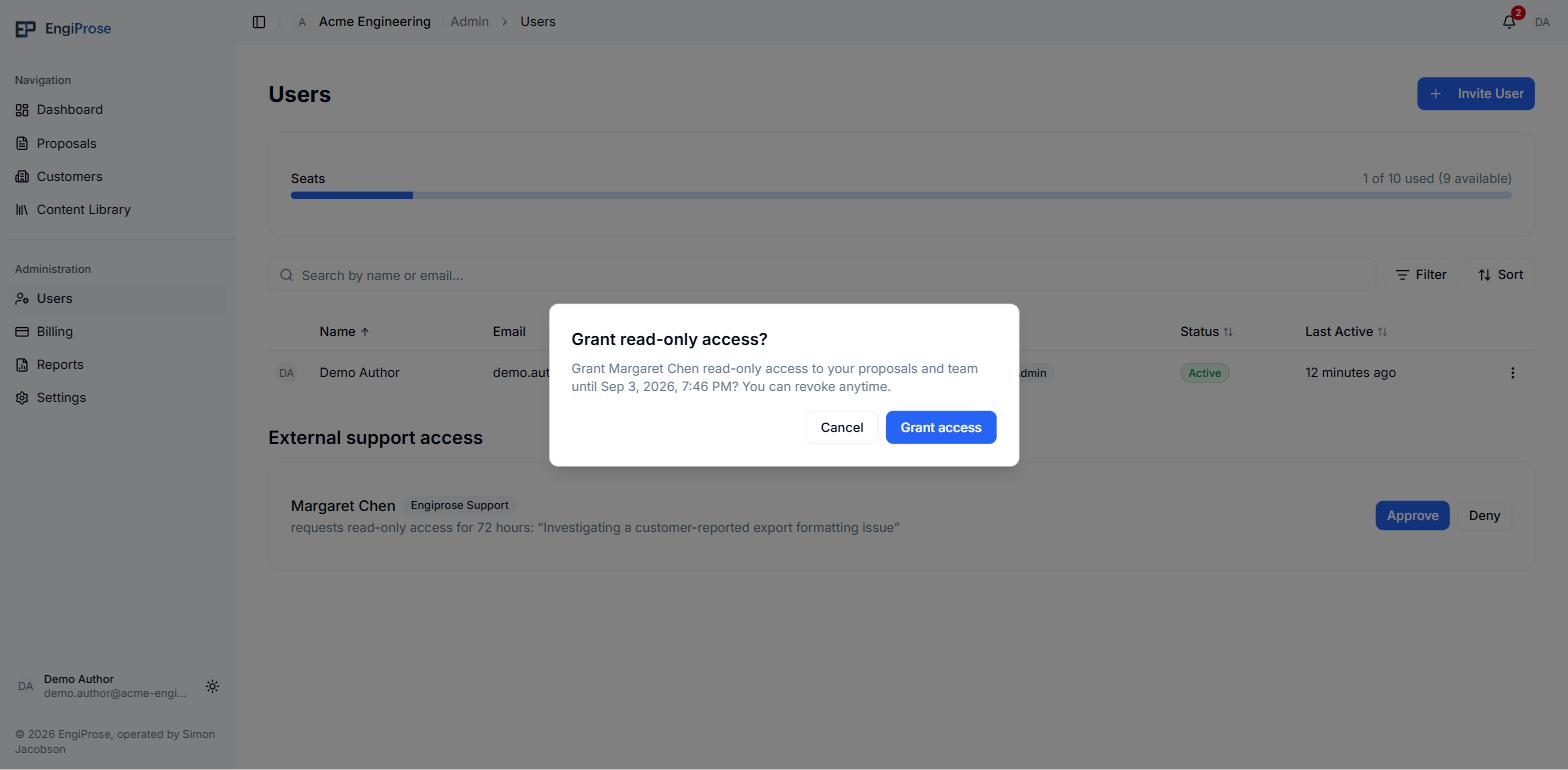
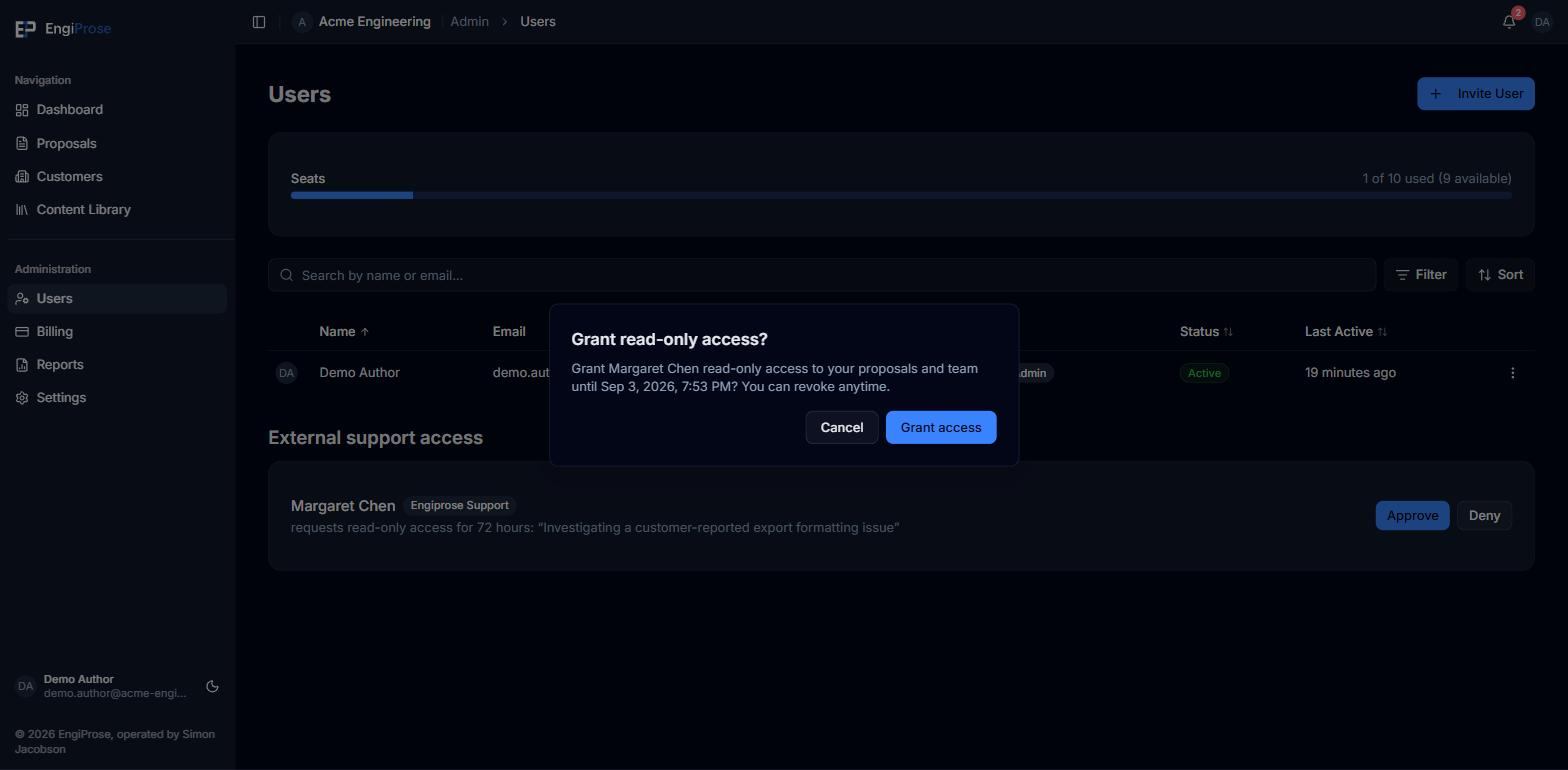
The approval confirmation
What a grant lets support see
Every grant, however it started, is the same least-privilege access:
- Read-only. Support cannot edit, send, approve, or delete anything. This is enforced on the server, not just hidden in the interface.
- Proposals and your team, nothing else. A grant can only reach the Proposals and Team pages (plus the screen shown once access ends). Any other page, including Customers, Content Library, and your Dashboard, redirects support back to Proposals rather than showing them the page, so your content library is deliberately outside every grant.
- Time-boxed. A grant expires on its own at the duration you approved: 24 hours, 72 hours, or 7 days. You do not need to remember to end it.
Granting access proactively
If your organization has an assigned Customer Success Manager, their card carries its own Grant temporary read-only access control: pick a duration and confirm, and the grant is born active immediately, since you initiating it is the approval. It appears in External support access exactly like an approved request, with the same read-only, time-boxed rules above. If your organization has no assigned Customer Success Manager yet, this control does not appear; it is available only once you have one.
Ending access early
An active grant shows a read-only pill and its expiry, plus who approved it. Select Revoke to end it. It asks you to confirm: "End [name]'s access now? They will immediately lose all access to your organization." Select End access to confirm.
Common questions
Can support see my content library?
No. A grant's permissions are Proposals and Team only; your content library is deliberately excluded from every support grant, however it was started.
What happens when a grant expires?
Support loses access automatically, with nothing for you to do. You can still revoke a grant early at any time before it expires.
Who can approve or grant support access?
Only an Organization Admin. If you are an Admin, Organization Member, or Viewer, you will not see this section.