

Browse help topics
Switch between organizations
Move between the organizations you belong to without mixing their proposals, customers, or settings.
If you belong to more than one organization, you can move between them from the organization name in the top bar. Each organization keeps its own proposals, customers, team, content library, settings, and your role there.
What you'll do
- See which organization is active
- Switch to another organization
- Understand why your navigation may change after switching
See your active organization
The organization name and logo appear in the top bar on every signed-in page, including on a phone. Everything you open or change belongs to that active organization.
If you belong to only one organization, its name is a label rather than a button. There is no switch menu because there is nowhere else to go.
Switch organizations
Select the organization name in the top bar. A chevron beside the name tells you that more than one organization is available.
Under Organizations, select the organization you want to open. A check marks the one you are currently viewing, and each row shows your role in that organization.
EngiProse opens the new organization's dashboard. Check the organization name in the top bar before continuing your work.
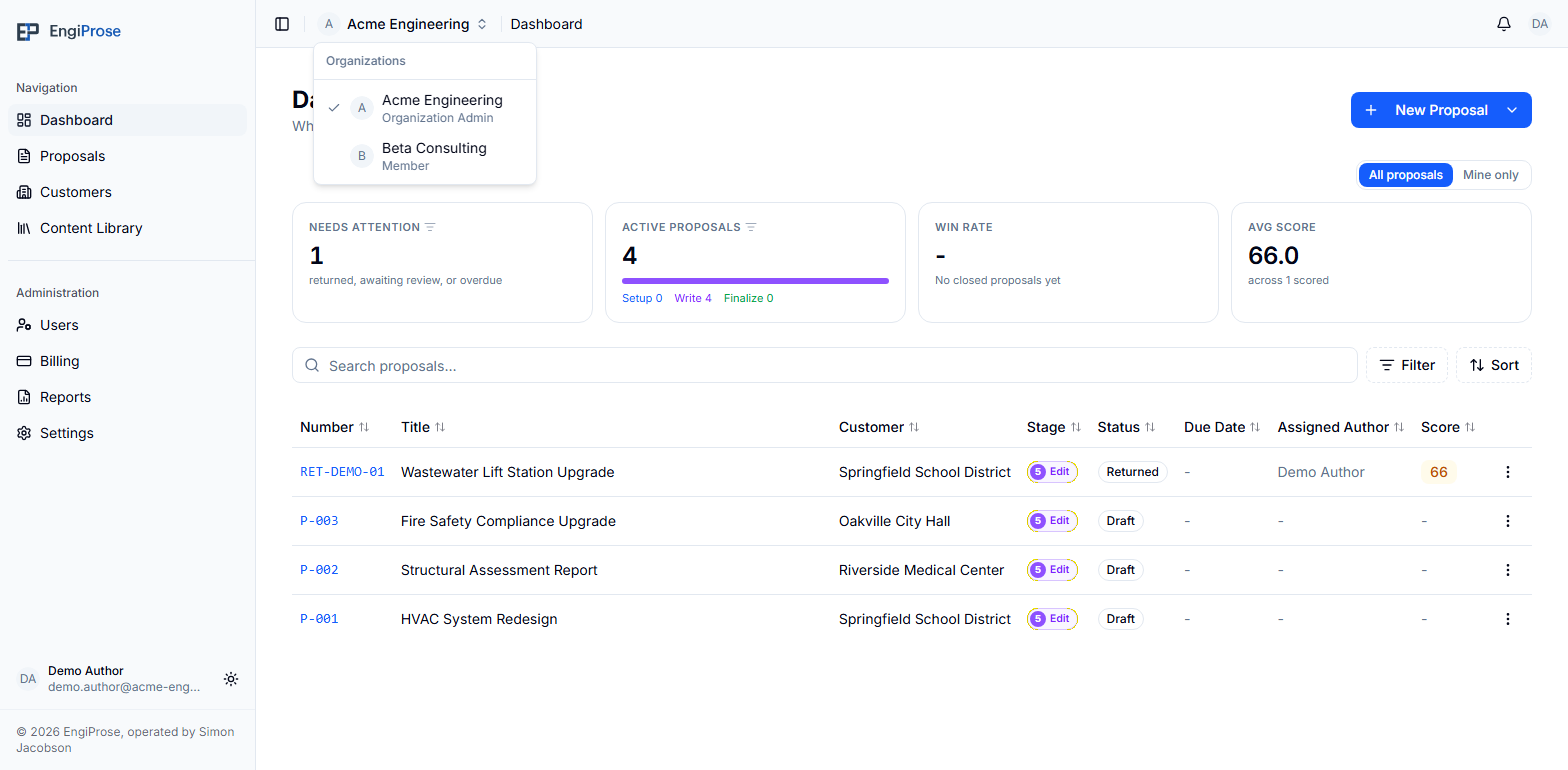
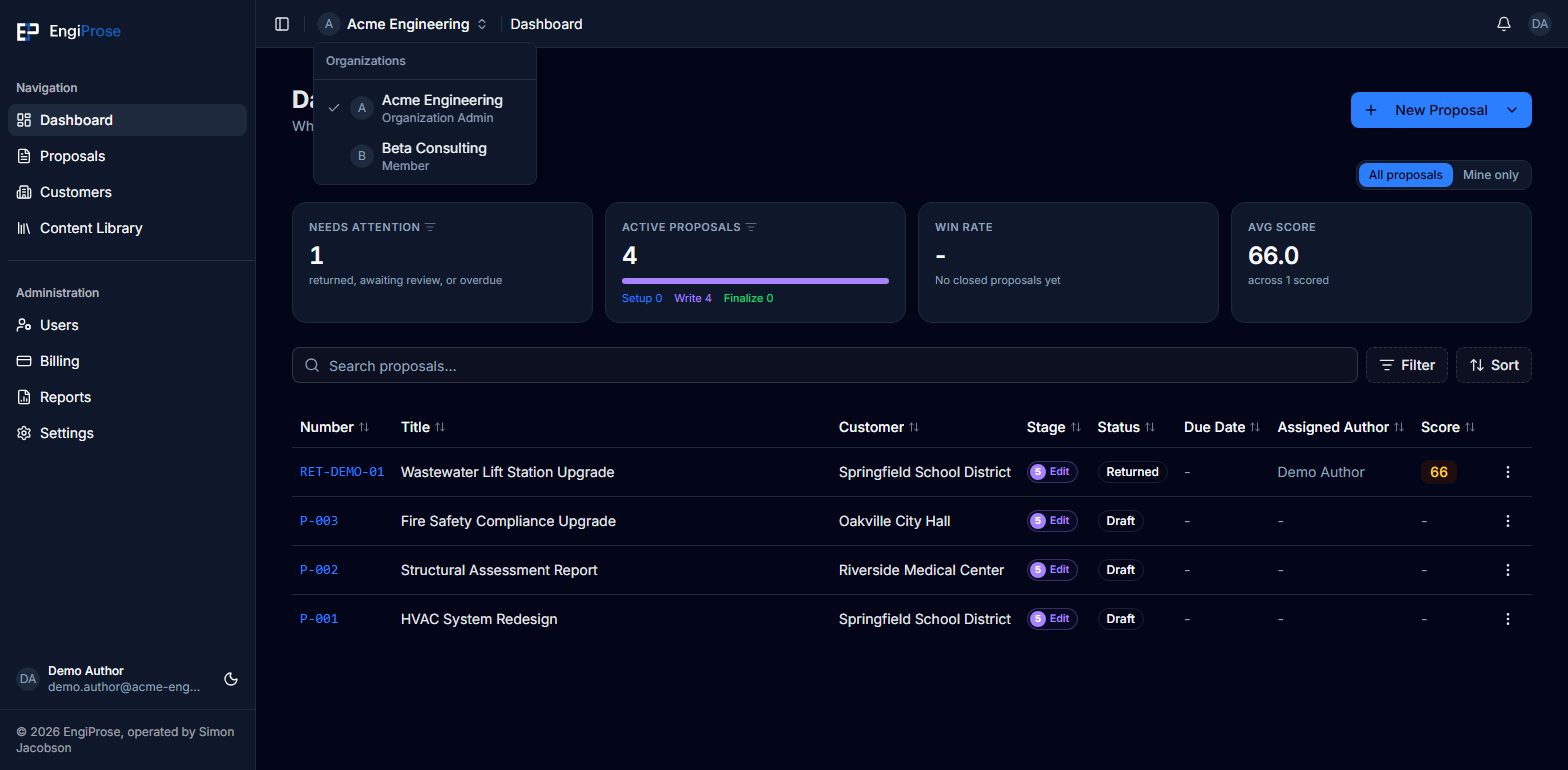
Your role belongs to the organization, not just to your account. For example, you may be an Admin in one organization and a Member in another. The sidebar and available actions update after you switch so they match your role in the organization you opened.
What changes when you switch
Switching changes the workspace for the whole application. Lists and pages reload for the selected organization, so information from the organization you left does not remain on screen.
Your account and appearance preference stay the same. Organization-owned information does not carry across, including proposals, customers, team profiles, content-library items, settings, and billing.
Common questions
Why can't I select the organization name?
You currently have one organization available, so the name is a label. When your account belongs to more than one organization, it becomes a button with a chevron and opens the switch menu.
Why did some sidebar items disappear after I switched?
Your role can differ between organizations. EngiProse shows the navigation and actions allowed by your role in the organization that is currently active.
What if switching doesn't work?
You stay in the current organization and see an error. Try again. If you still cannot open the other organization, ask its Organization Admin to check that your membership is active.