

Browse help topics
Sign in, with Google, Microsoft, or an emailed login link
Three ways into EngiProse, what the sent-link screen shows, and what to do if a link expires.
The login page offers three ways in: your Google account, your Microsoft account, or a link sent to your email address. Use whichever your account was set up with.
What you'll do
- Sign in with Google, Microsoft, or an emailed login link
- See what the sent-link confirmation screen shows
- Know what to do if a link has expired
Signing in
On the login page, choose Continue with Google or Continue with Microsoft if your account uses one of those. Otherwise, enter your address under Email address and select Email me a login link.
This is what you see before signing in. The page always shows the same three options, whatever address you use.
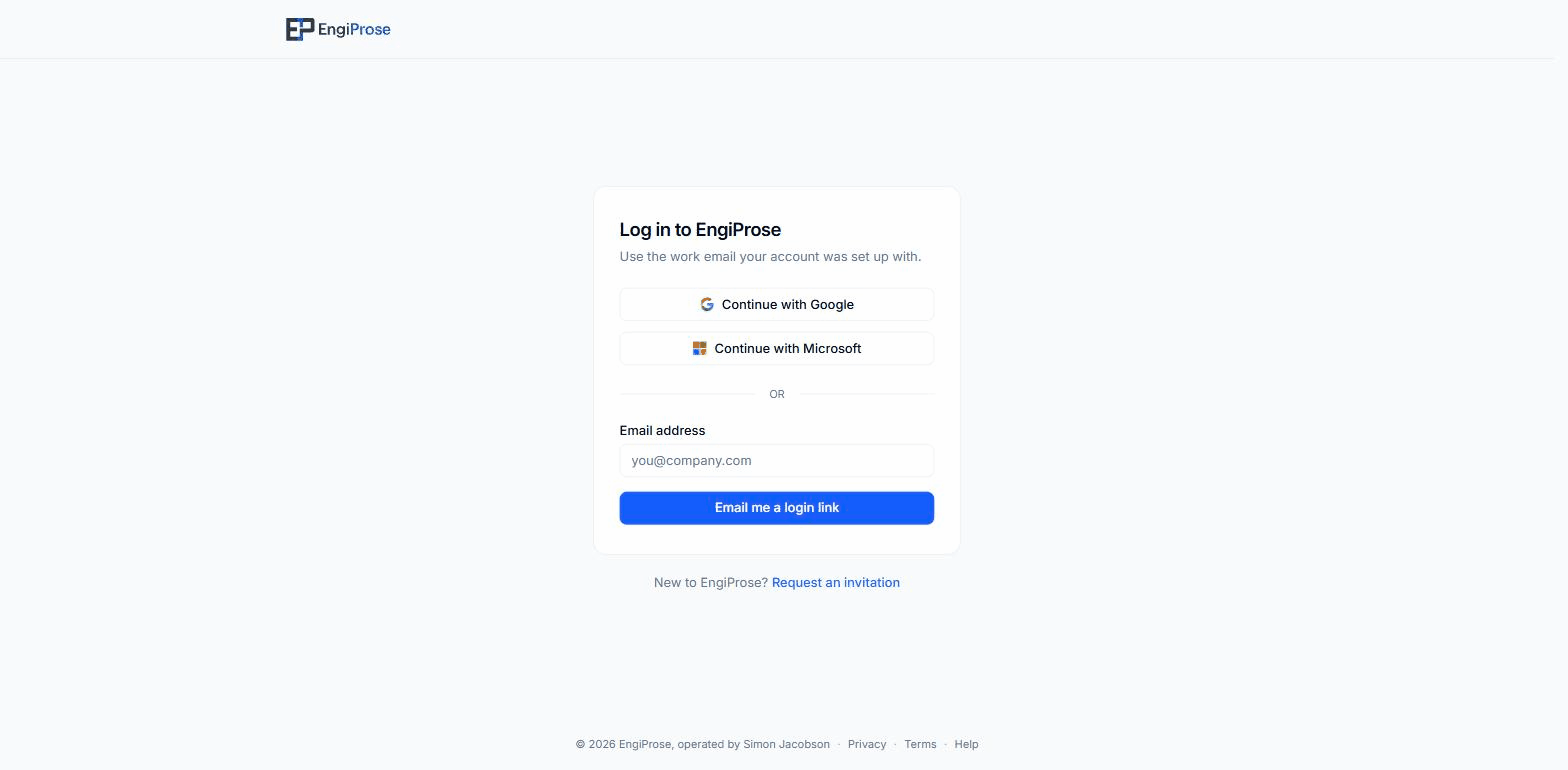
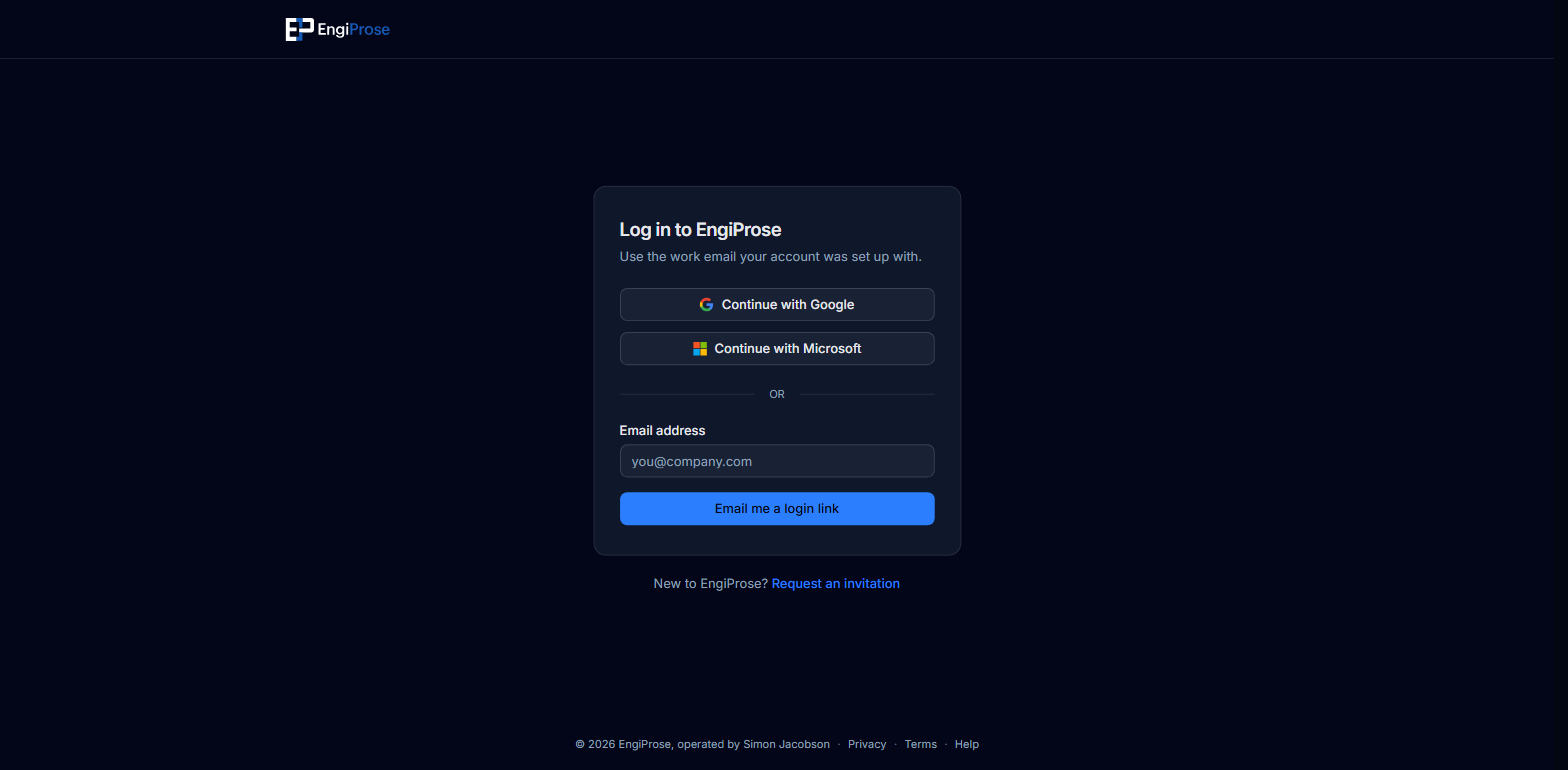
The default state of the login page If you requested an emailed link, the page switches to a confirmation: "Check your email", followed by "We sent a login link to" your address, and "It can take a minute to arrive." Open the email and follow the link in the same browser tab.
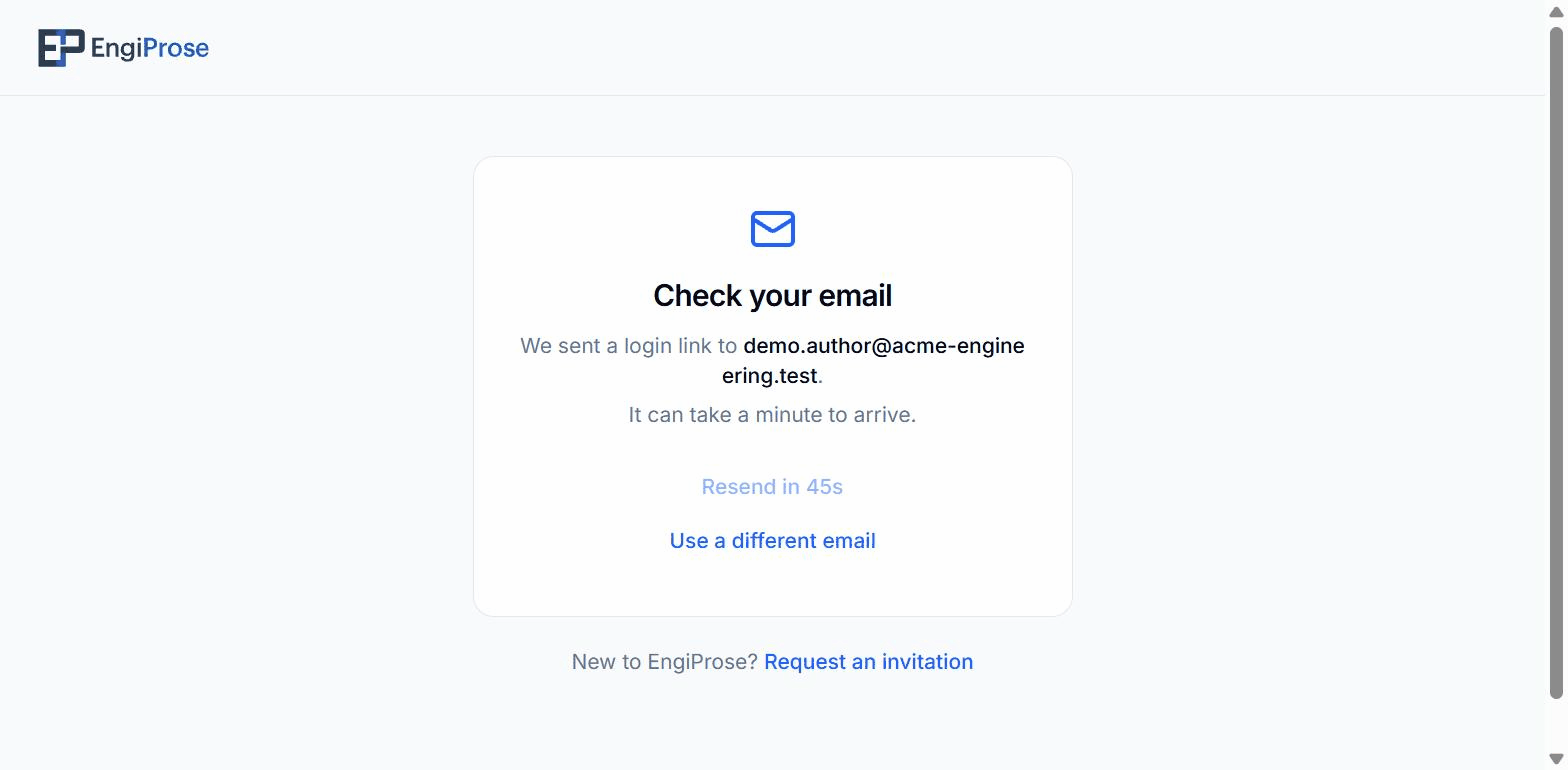
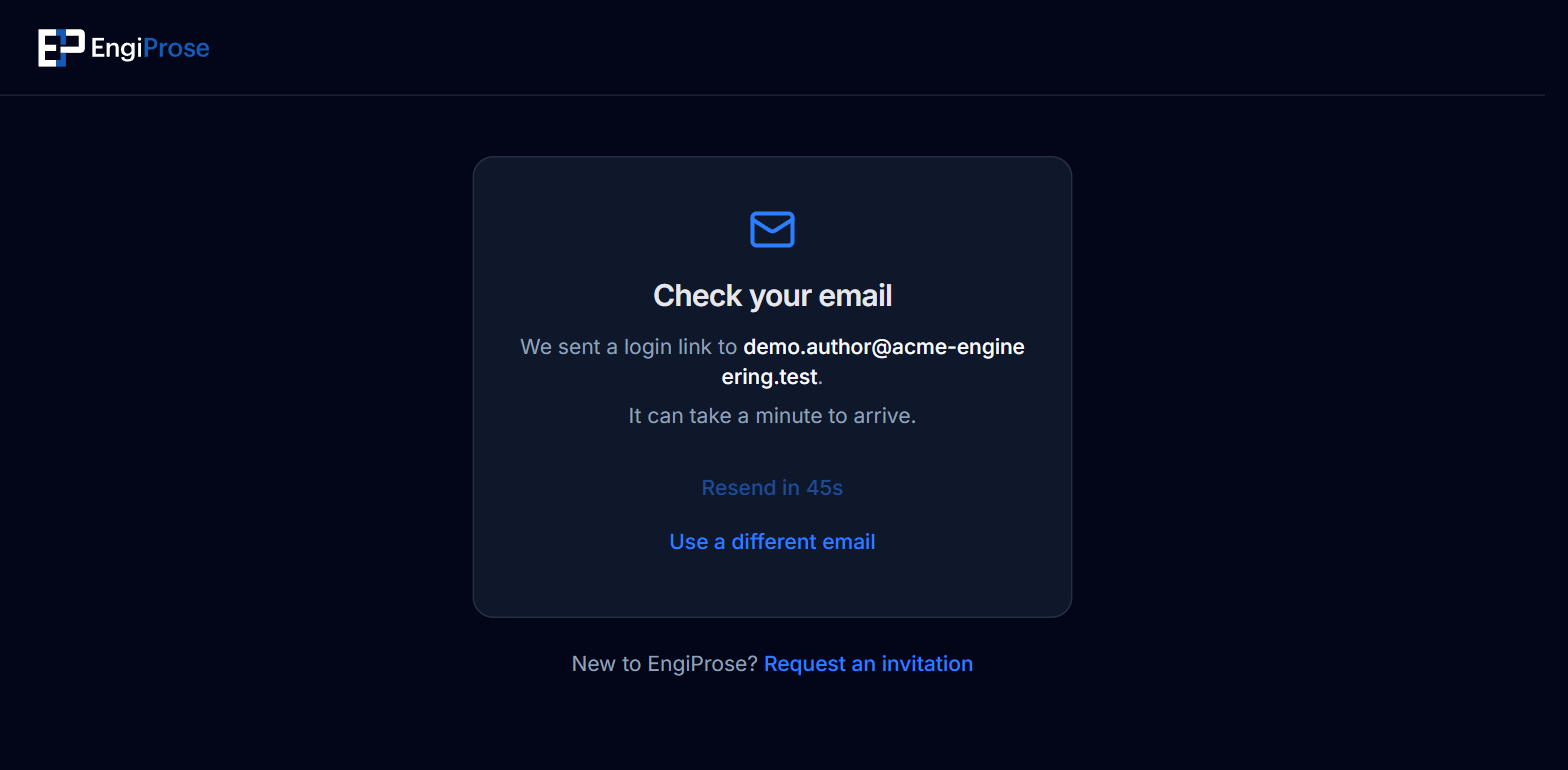
The confirmation screen after a login link is sent
The Resend link button on the confirmation screen stays disabled for 60 seconds after each send, so a slow inbox is not a reason to request a second link right away. Use a different email returns you to the form.
When it does not work
A login link has expired or was already used
You land back on the login page with a banner above the card: "That login link has expired or was already used. Request a new one below." Enter your address again and request a fresh link.
Something went wrong finishing sign in
An interrupted Google or Microsoft sign-in returns you to the login page with the banner "We couldn't finish logging you in. Please try again, or use an emailed login link instead." An emailed link is always the fallback if a sign-in provider is giving you trouble.
New to EngiProse? The login page's "Request an invitation" link routes you into the invitation flow instead of trying to sign in to an account that does not exist yet.
Common questions
Can I use a personal Google or Microsoft account?
Sign in with whichever account your organization invited you with. If your firm set your account up with a work email and no linked Google or Microsoft account, use the emailed login link instead.
Why does it say to check my email instead of logging me in right away?
An emailed login link, sometimes called passwordless sign-in elsewhere, proves you own the address without a password to remember or reset.