

Browse help topics
Your dashboard and the proposals list
What the dashboard's tiles show at a glance, and how the full proposals list differs from it.
The dashboard is where a workday starts: what needs attention, and how the firm's proposals are doing. The Proposals page is the full, unfiltered list. Both share the same table, but they show different columns for different jobs.
What you'll do
- Read the four dashboard tiles
- Use "Needs attention" and "Active proposals" as quick filters
- Know how the dashboard's columns differ from the full proposals list
The dashboard
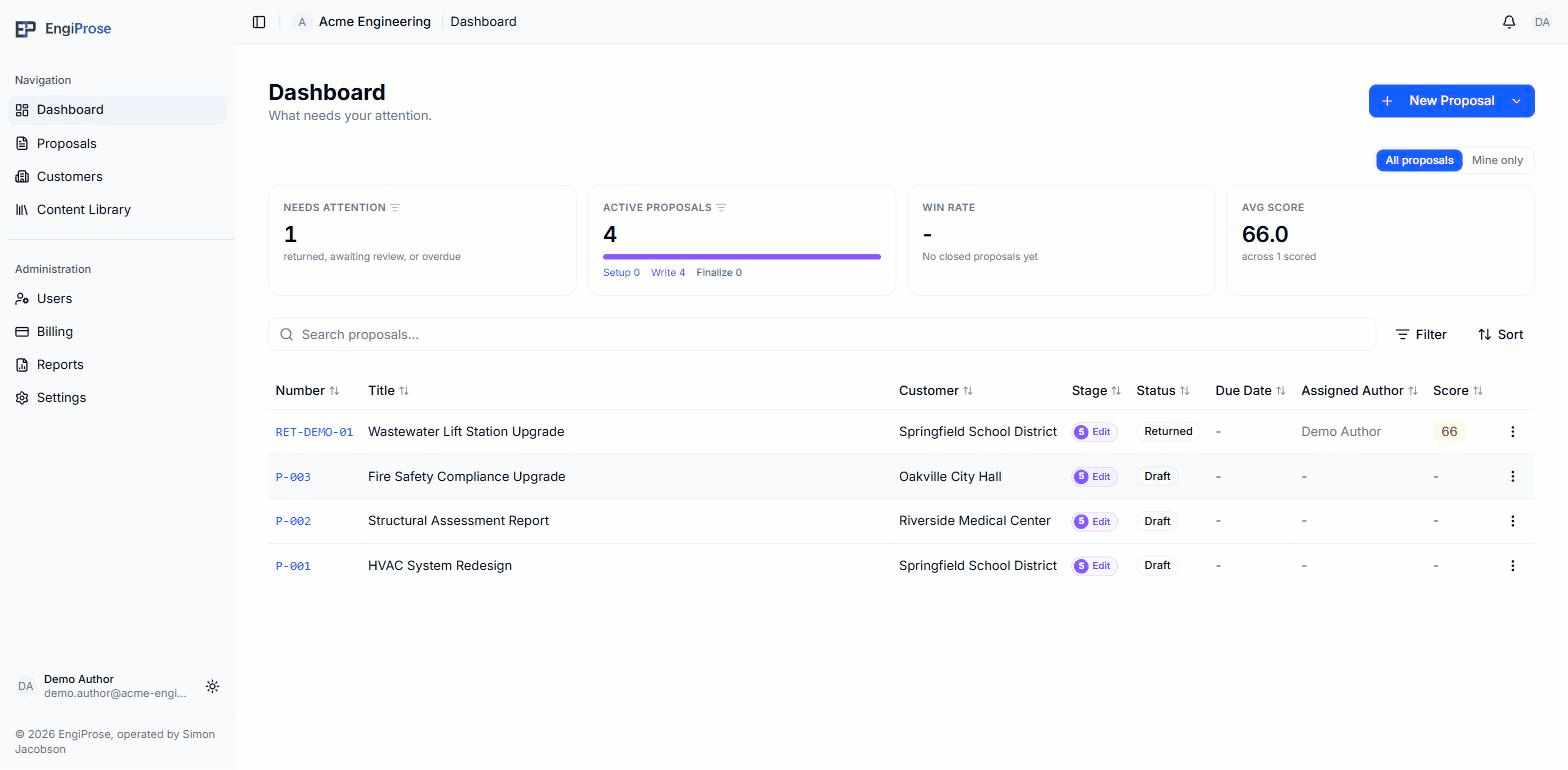
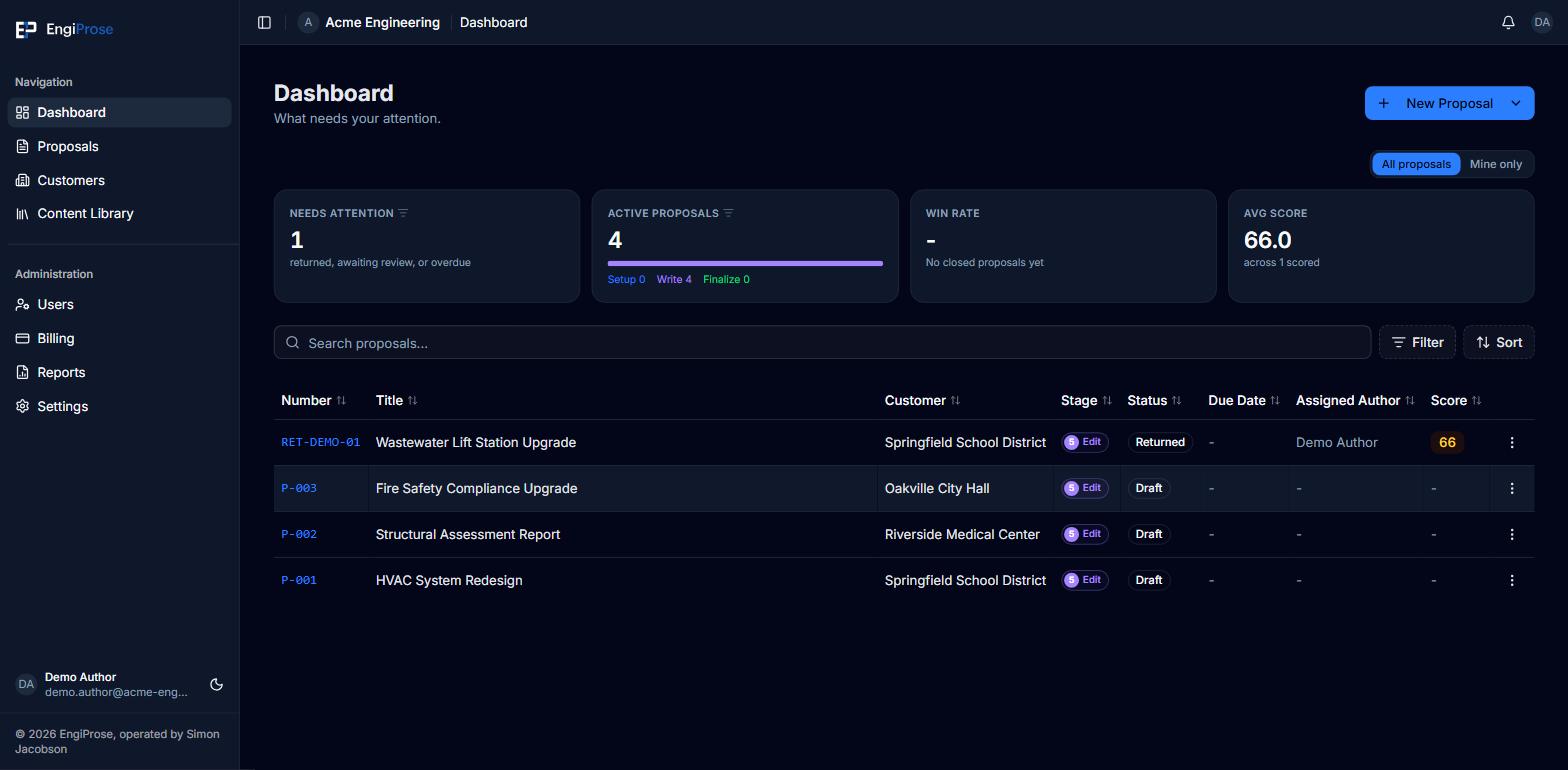
- Needs attention, active proposals, win rate and avg score tiles
- All proposals or Mine only: scoped to the whole org or just you
- The proposals table, ending in a Score column
The four tiles are Needs attention, Active proposals, Win rate, and Avg score. Needs attention and Active proposals are also quick filters: selecting one narrows the table below to just that set. All proposals and Mine only switch every tile, and the table, between the whole organization's proposals and just the ones assigned to you.
Use New Proposal to start one. The dropdown beside it offers the other ways to start.
A brand-new organization with no proposals yet sees two cards, Start proposal and Plan proposal, inviting you to create the first one, on both the dashboard and the Proposals page. A Viewer sees a plain "No proposals yet" message instead, with "Proposals created in this organization will appear here." underneath, since creating a proposal isn't something a Viewer can do.
The proposals list
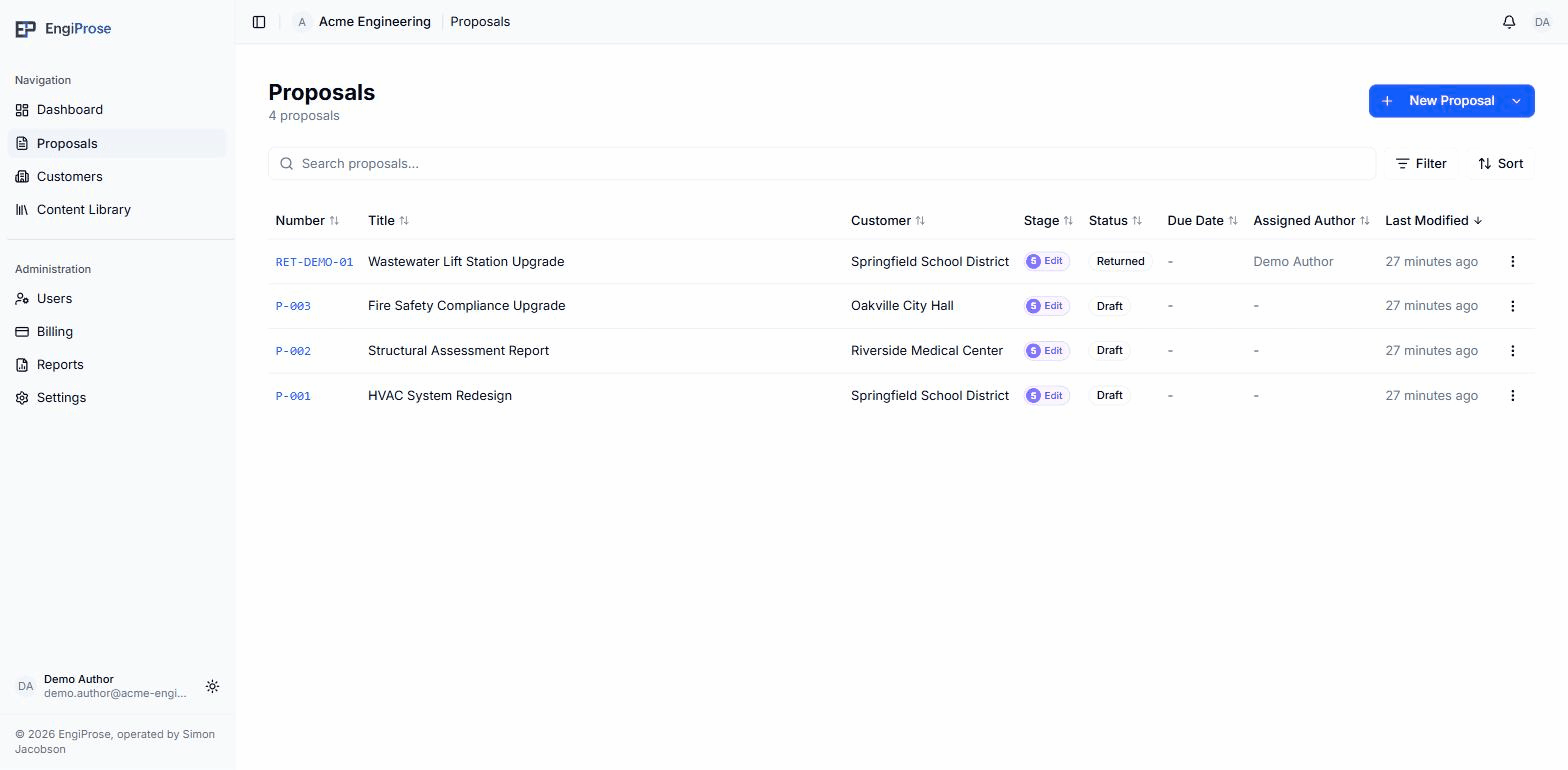
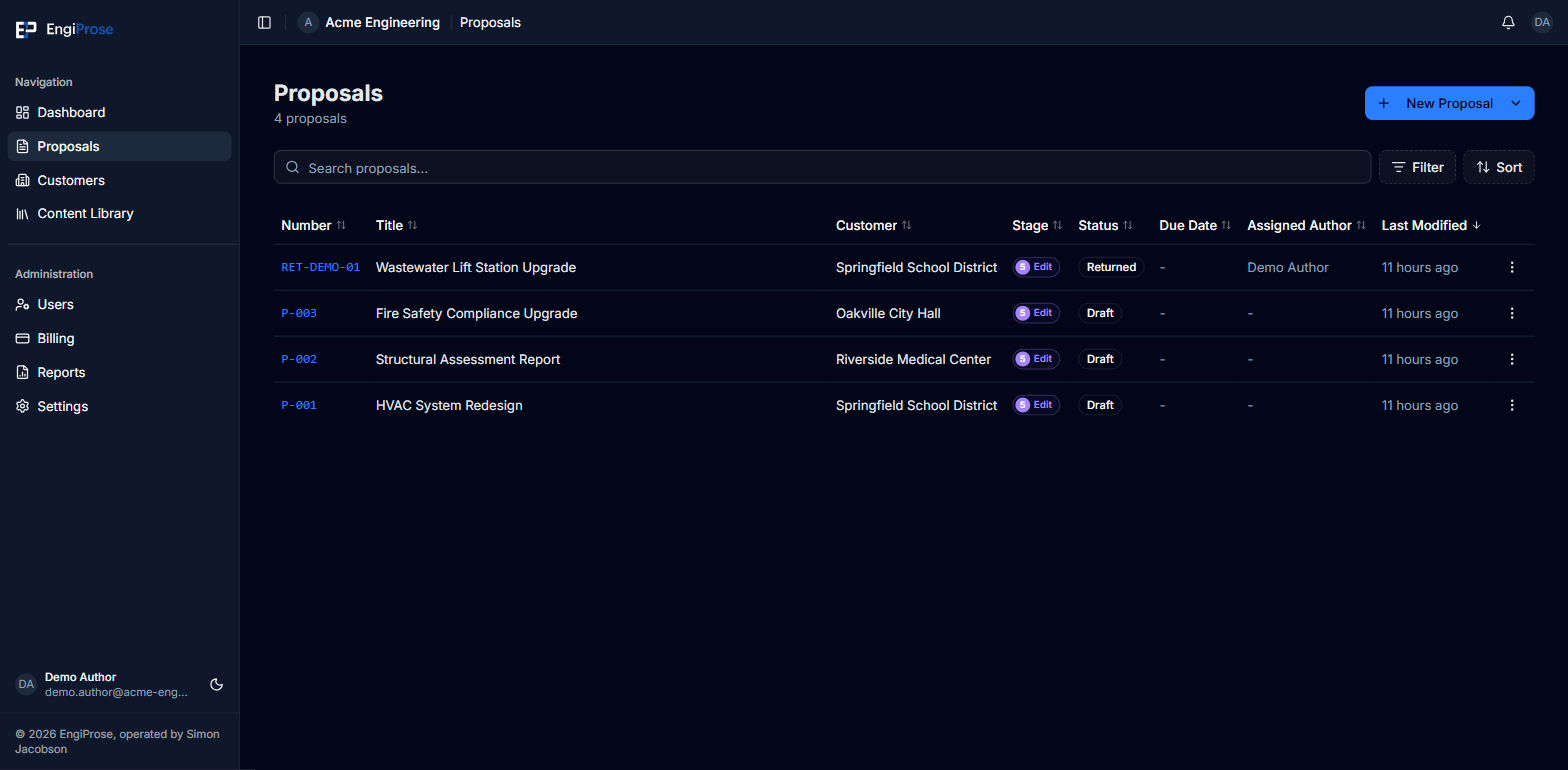
The Proposals page in the sidebar is the same table with one column swapped: it ends in Last Modified instead of Score. It's the place to browse everything, sorted by what changed most recently, rather than by what needs your attention right now.
Both tables share the same columns otherwise: Number, Title, Customer, Stage, Status, Due Date, and Assigned Author.
Common questions
Why does the dashboard show a Score column but Proposals doesn't?
The dashboard is built around what needs action, and a proposal's score is part of that judgment. The full list is built around finding a specific proposal, so it sorts by Last Modified instead.
What counts as needing attention?
By default, every proposal in your organization that's been returned, is awaiting review, or is overdue, no matter who it's assigned to. Turn on Mine only to narrow that down to just your own proposals. An overdue proposal drops out of the count as soon as it's been sent to the customer, even if it hasn't been approved yet.