

Browse help topics
Export to Word
Download the final Word document, and understand draft exports, your firm's template, and the watermark.
Once a proposal is marked final, the Export step is where you download the Word document you actually send.
What you'll do
- Download the final document, and see what "first exported" means
- Understand draft exports, versus the final download
- Know which styling your export used, and why
- Check how tables, page breaks, and figure placeholders carry into Word
Download the final document
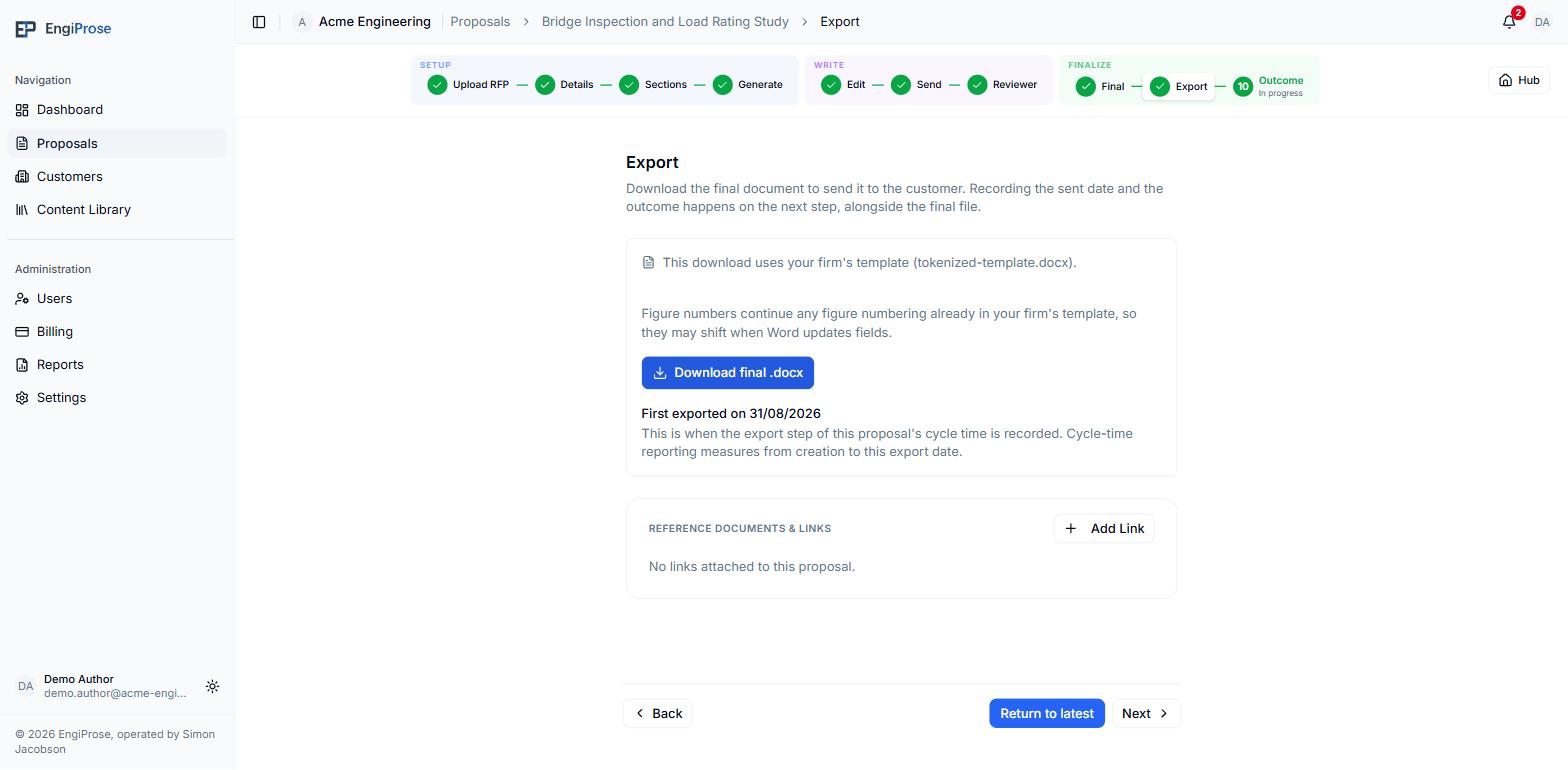
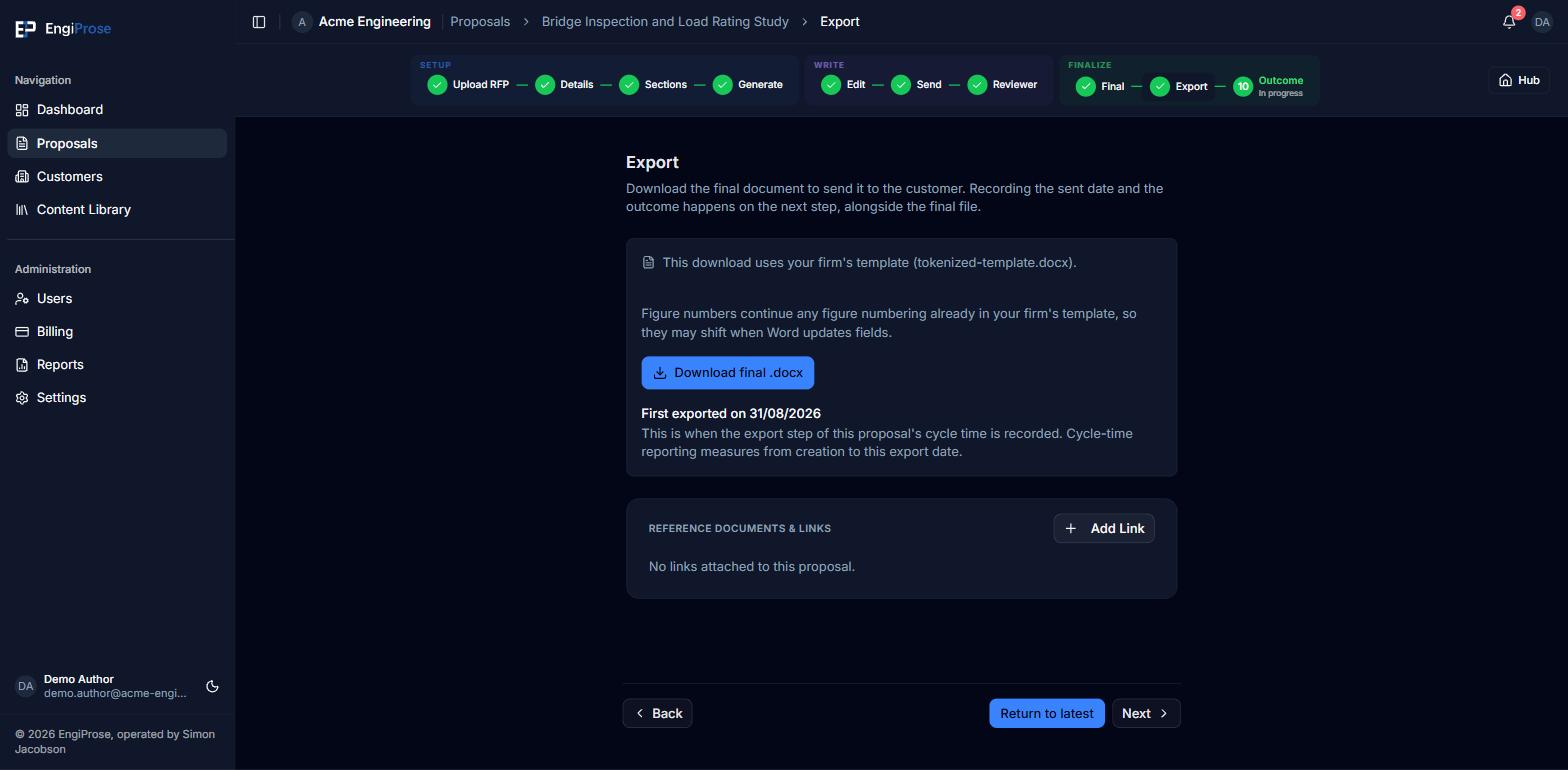
Select Download final .docx to get the file. The first time you download a proposal's final document, that moment is recorded: "First exported on {date}. This is when the export step of this proposal's cycle time is recorded. Cycle-time reporting measures from creation to this export date." Downloading again later does not move that date, unless the proposal is re-opened from the Final screen, which clears it so the next final download records a new one.
Every tracked change on the proposal is resolved before the export is built: insertions are kept and deletion marks are removed, so the file you send never carries review markup.
Draft exports, while you are still writing
Before a proposal is final, the editor toolbar carries its own Download Draft .docx button, for sharing a work-in-progress copy.
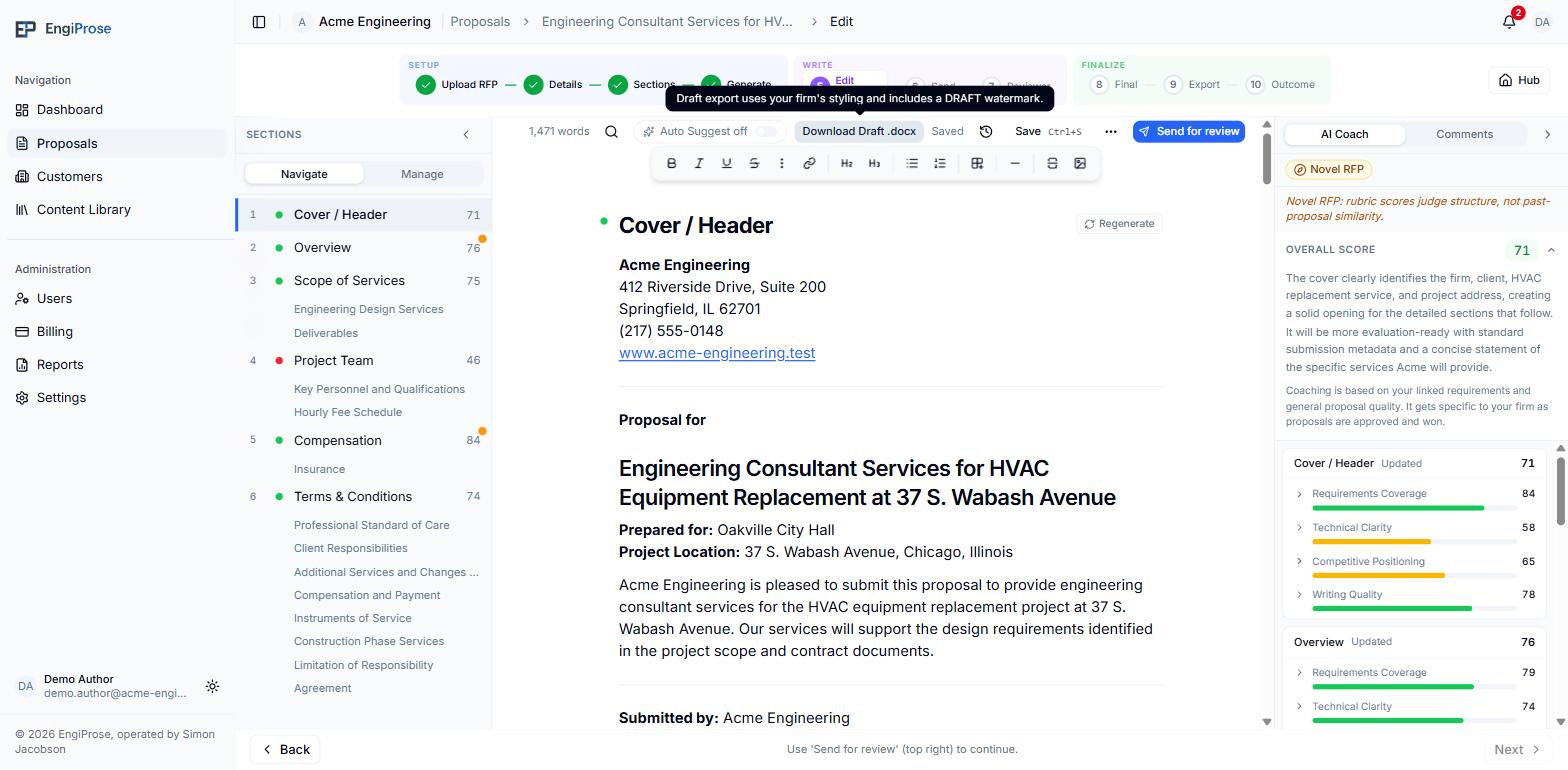
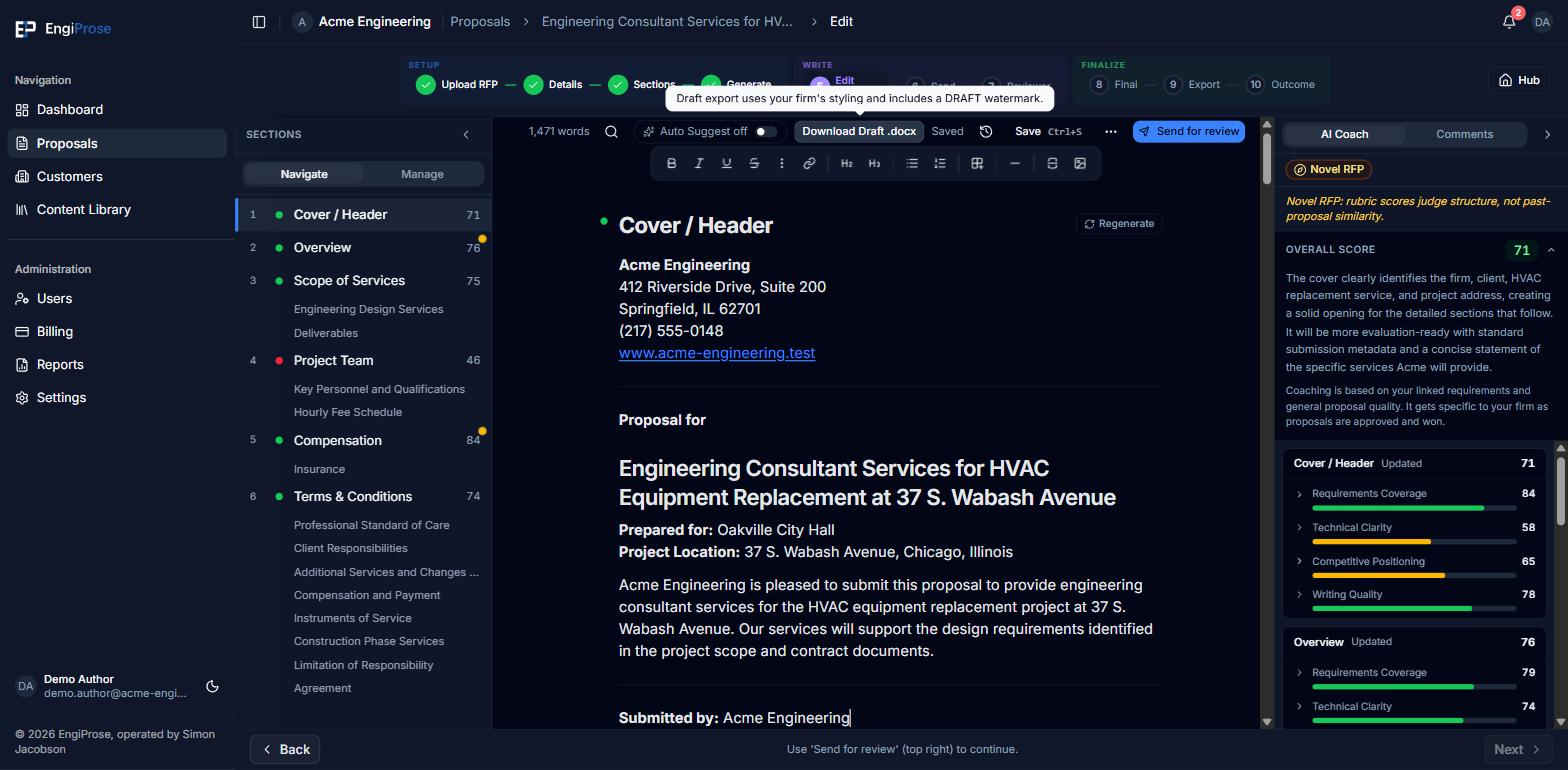
A draft export always carries a large diagonal DRAFT watermark, so it can never be mistaken for the file you send to a customer. Hovering the button states which styling it will use: "Draft export uses your firm's styling and includes a DRAFT watermark." when a template is active, or "Draft export uses default styling and includes a DRAFT watermark." when it is not.
What carries into the Word file
The draft and final paths share the same document renderer, so both preserve the proposal structure you prepared in the editor:
- Table paragraph alignment carries into Word. When every column has an authored width, those column proportions carry across too.
- An inserted page break becomes a real Word page break. Avoid putting one at the very start of the proposal body unless you intentionally want a blank page before the first section.
- Each image placeholder becomes a bordered placeholder followed by a Word Caption paragraph. Captions are numbered as Figure 1, Figure 2, and so on across the whole document, including placeholders inside lists, tables, and block quotes.
Word uses fields for figure numbers. After adding, deleting, or moving real figures in the downloaded document, select all in Word and update fields to refresh the sequence.
Which styling your export used
On the Export step, a mode line above the download button names exactly what you are about to get:
- Your firm's template, when an export template is active and the file can be patched directly: "This download uses your firm's template ({filename})."
- Your firm's styling, a fallback one step down from patching the template file itself: "This download uses your firm's styling."
- Default styling, in two wordings. When your organization has no export template at all, the line names the work that is outstanding: "This download uses default styling. An Admin can upload an export template in Settings." When a template is already on file but cannot carry this download, because it is not active, or because it can be neither patched nor read for styling, the line is the shorter "This download uses default styling." on its own: the upload is already done, so it is not asked for again.
"Styling limited" on the export template settings page marks a template whose firm styling could not be read from the uploaded file. That template still carries a final export it can be patched into; where it cannot, there is no firm styling left to fall back on, and the download lands on the short default-styling sentence above.
If an export that expected your firm's template has to fall back, a toast says so honestly: "Export complete with firm styling. Your firm template could not be applied." or, one step further down, "Export complete with default styling. Your firm template could not be applied." Either way, you still receive a document; a template problem alone does not block the export.
The Export step says it at the moment of download: "Figure numbers continue any figure numbering already in your firm's template, so they may shift when Word updates fields." A number you saw in the editor can differ in the delivered file for that reason alone.
Common questions
Why does my export look plainer than I expected?
Your organization likely has no export template active yet, or the active one could not carry full styling. The mode line above the download button always names which of the three you got.
Is a draft export the same file I should send to a customer?
No. A draft export always carries a DRAFT watermark. Mark the proposal final and download from the Export step to get the customer-ready file.