

Browse help topics
Delete, cancel and re-open proposals
Know when a proposal can be permanently deleted, how to cancel safely, and which re-open action to use first.
Deleting a proposal is permanent. EngiProse has no proposal archive or restore step, so the Delete action is limited by both your role and the proposal's current status.
Before you delete
- Confirm that you no longer need the proposal or its history
- Check whether the proposal must be re-opened first
- Read the confirmation carefully before selecting Delete
Who can delete a proposal
The Delete action is in a proposal row's actions menu on the Proposals page. It appears in these situations:
- An Admin or Organization Admin can delete a proposal that is not Approved or Complete.
- A proposal creator can delete their own proposal while it is still a Draft.
Members cannot delete another person's proposal. A creator also loses the draft-only Delete action after their proposal moves into review.
Approved and Complete proposals are locked, including against deletion. Re-open the relevant state first if the proposal truly needs to be removed.
Delete or cancel
On Proposals, open the actions menu for the proposal and select Delete.
The confirmation says, "This proposal will be permanently deleted. This action cannot be undone."
Select Delete to remove the proposal and its related proposal data. Select Cancel to close the dialog without changing anything.
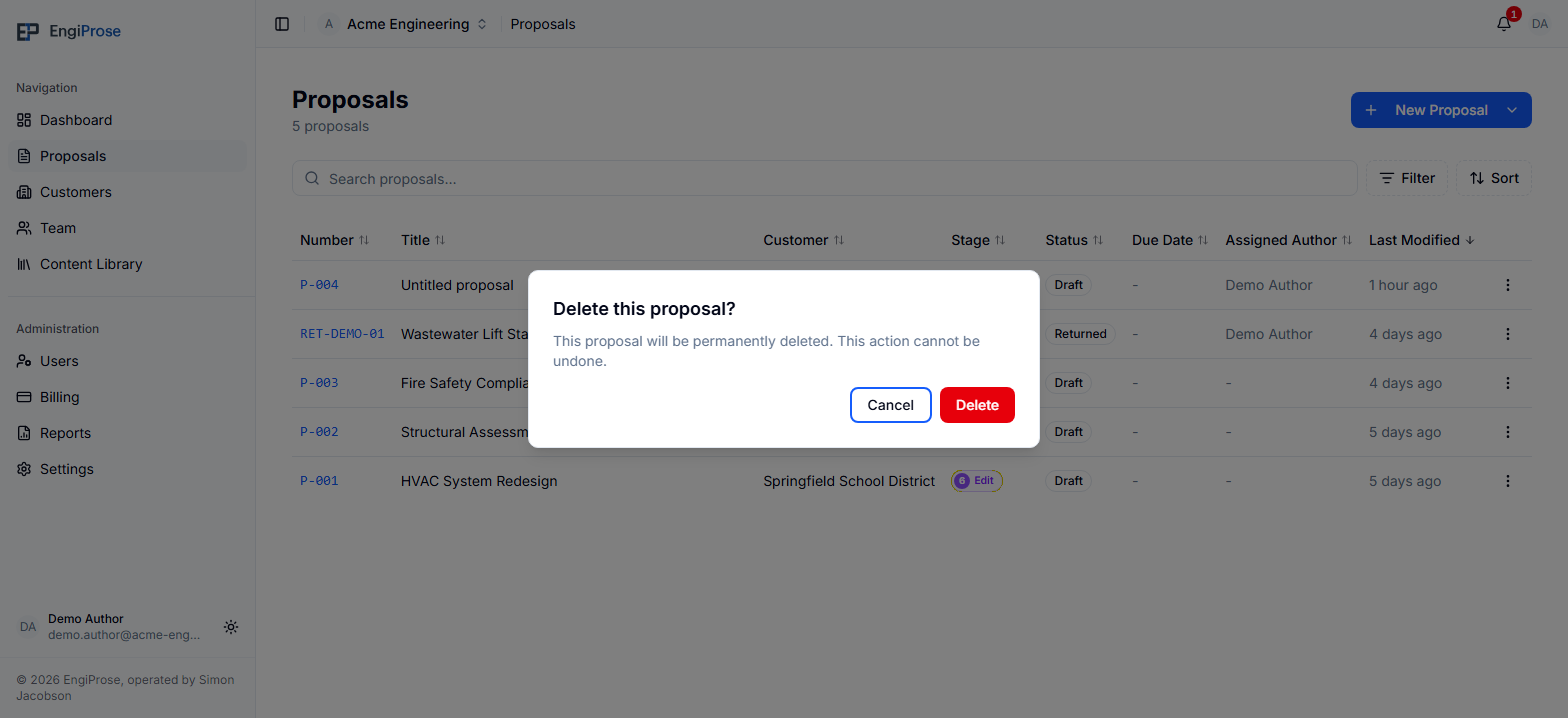
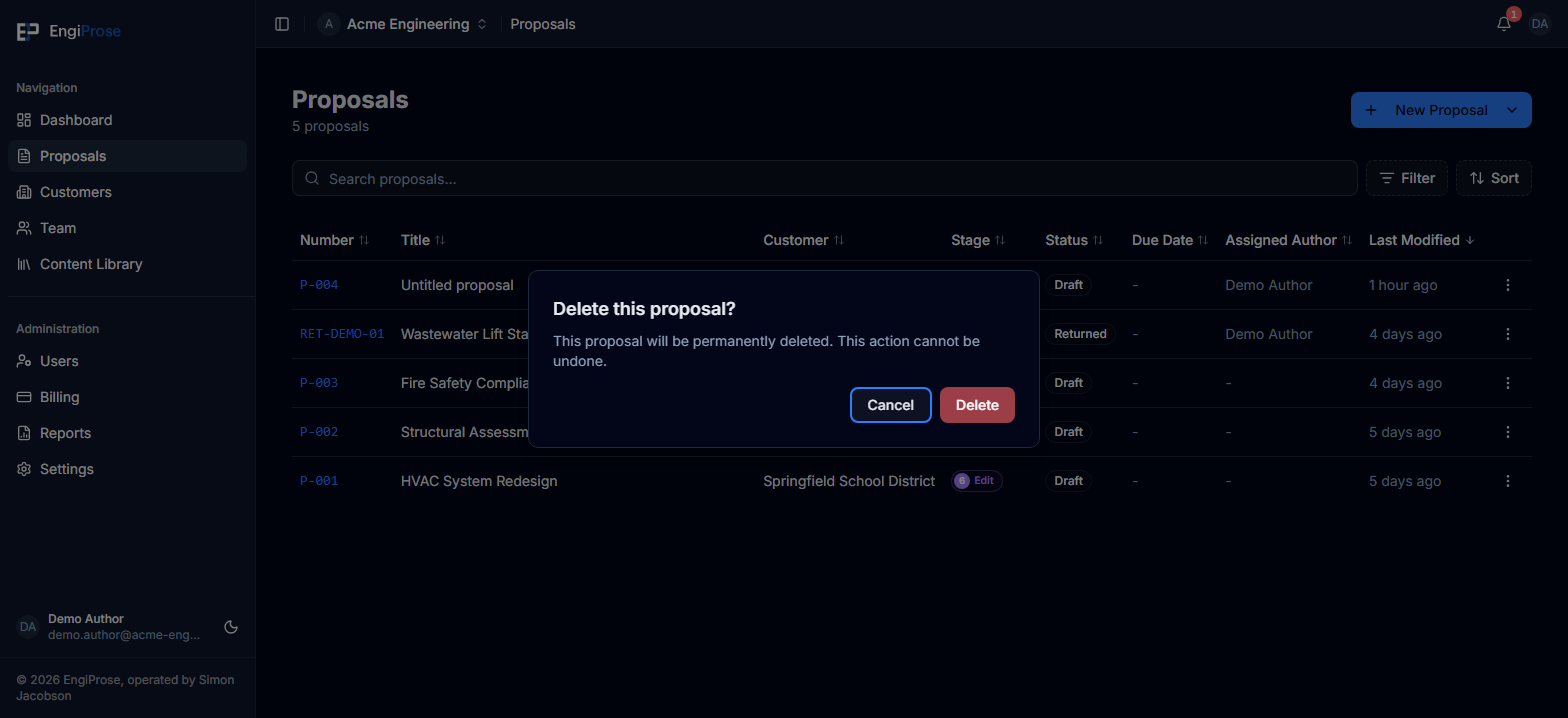
Deletion cannot be undone
There is no archive or restore option for a deleted proposal. If the proposal may still be useful, select Cancel and leave it in place.
Re-open the right state
EngiProse has two re-open actions, and they do different jobs.
Re-open an approved proposal
An Admin, Organization Admin or proposal approver can re-open an Approved proposal. It returns to In Review so review work can continue. Learn about the confirmation and reset behavior in Approve, lock and re-open a proposal.
Re-open a completed outcome
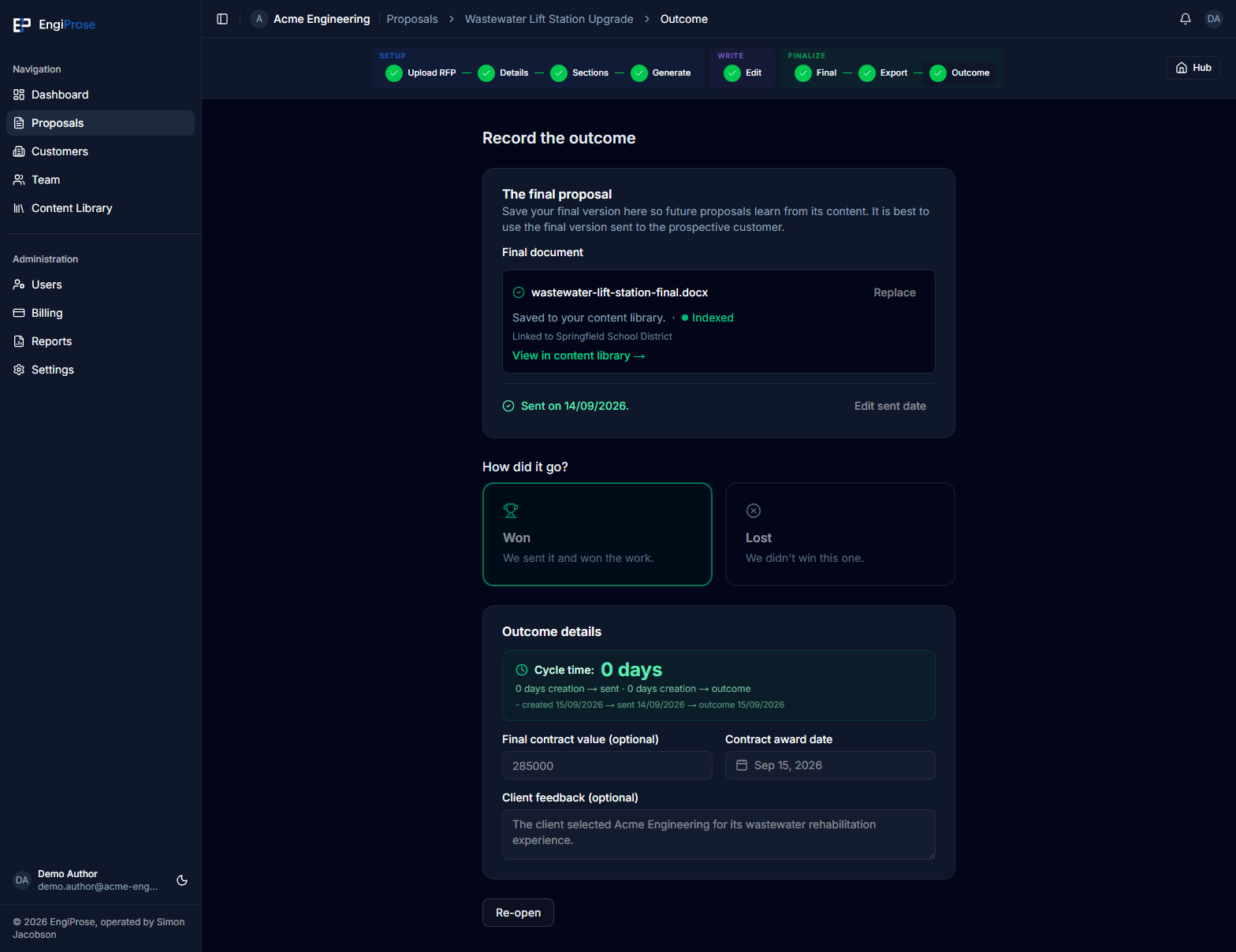
After an outcome is saved, the proposal is Complete and the Outcome form is read-only. An Admin or Organization Admin can select Re-open on the Outcome screen, then confirm Re-open outcome. The proposal returns to Approved, the saved outcome details stay in place, and the Outcome form becomes editable again.
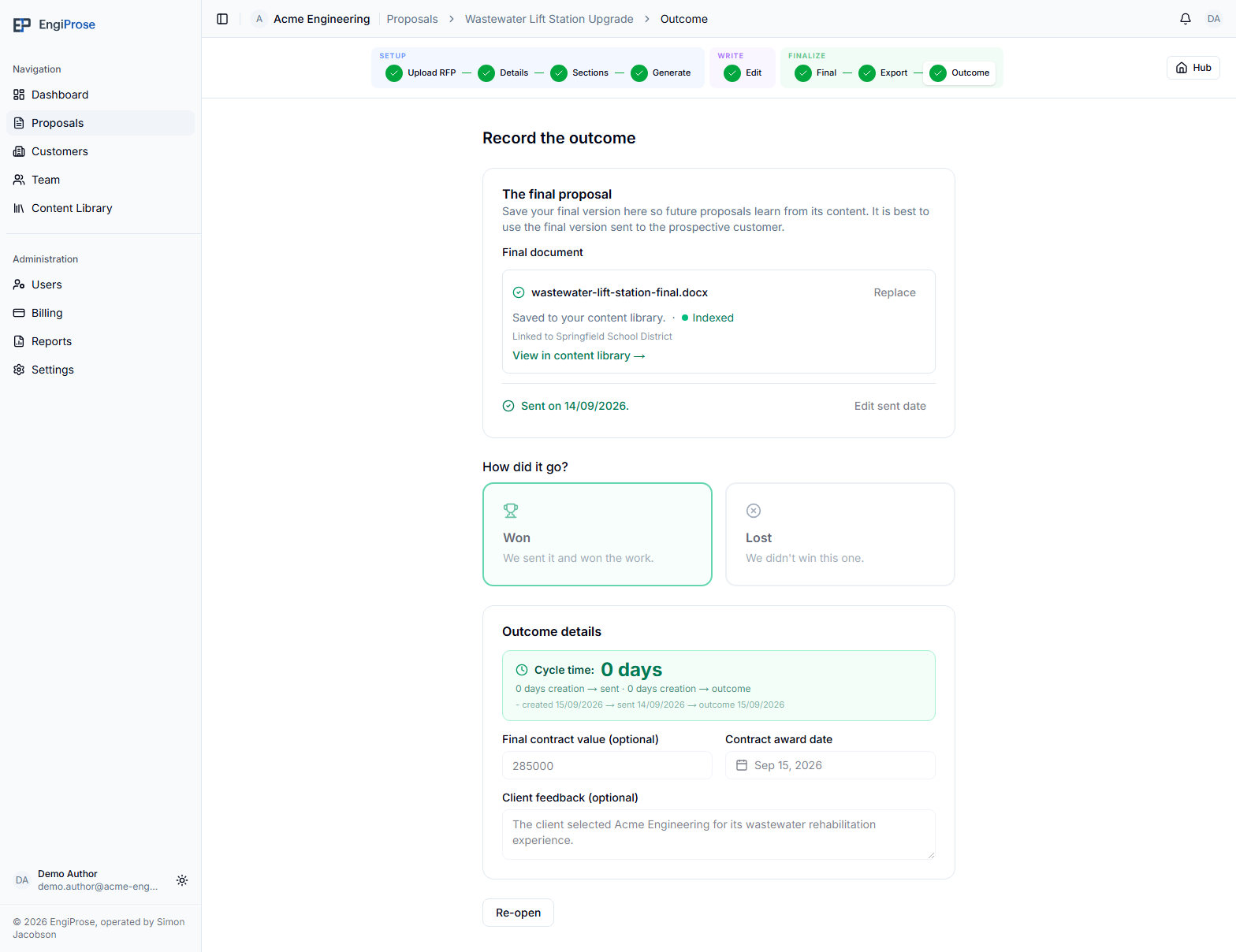
Re-opening the outcome does not unlock the proposal for deletion. To delete a formerly complete proposal, an Admin or Organization Admin must first re-open the outcome, then re-open the approved proposal, and only then use Delete from the Proposals page.
Common questions
Can I recover a proposal after deleting it?
No. Deletion is permanent and there is no proposal archive. Cancel the confirmation if you are not certain.
Why can't I see Delete?
Your role or the proposal's status does not allow it. Creators can delete only their own Draft proposals. Admins and Organization Admins can delete more widely, but Approved and Complete proposals must be re-opened first.
Does re-opening a completed outcome erase it?
No. Re-opening the outcome keeps the recorded details and makes them editable again. This differs from re-opening an approved proposal after an exported record, whose confirmation can reset final-file and outcome data.