

Browse help topics
Record the outcome and save the final file
Save the version you actually sent, then record whether you won or lost the work.
The last step closes the loop on a proposal: save the file you actually sent, and record whether it won.
What you'll do
- Save the final proposal file and its sent date
- Record Won or Lost, with the details that matter
- See what the Record outcome pill means on your proposals list
Save the final proposal
"Save your final version here so future proposals learn from its content. It is best to use the final version sent to the prospective customer." This step is required before you can record an outcome at all.
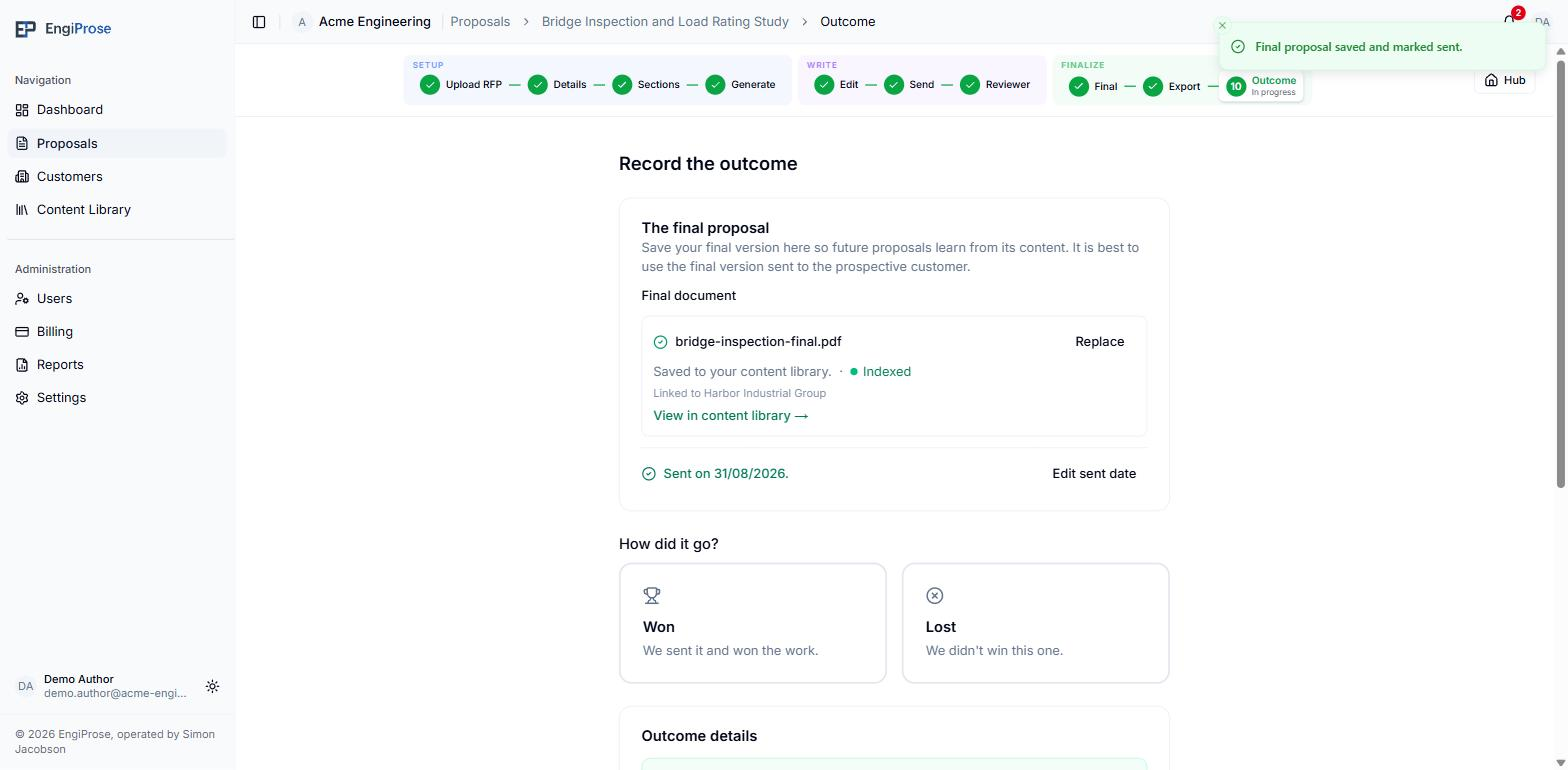
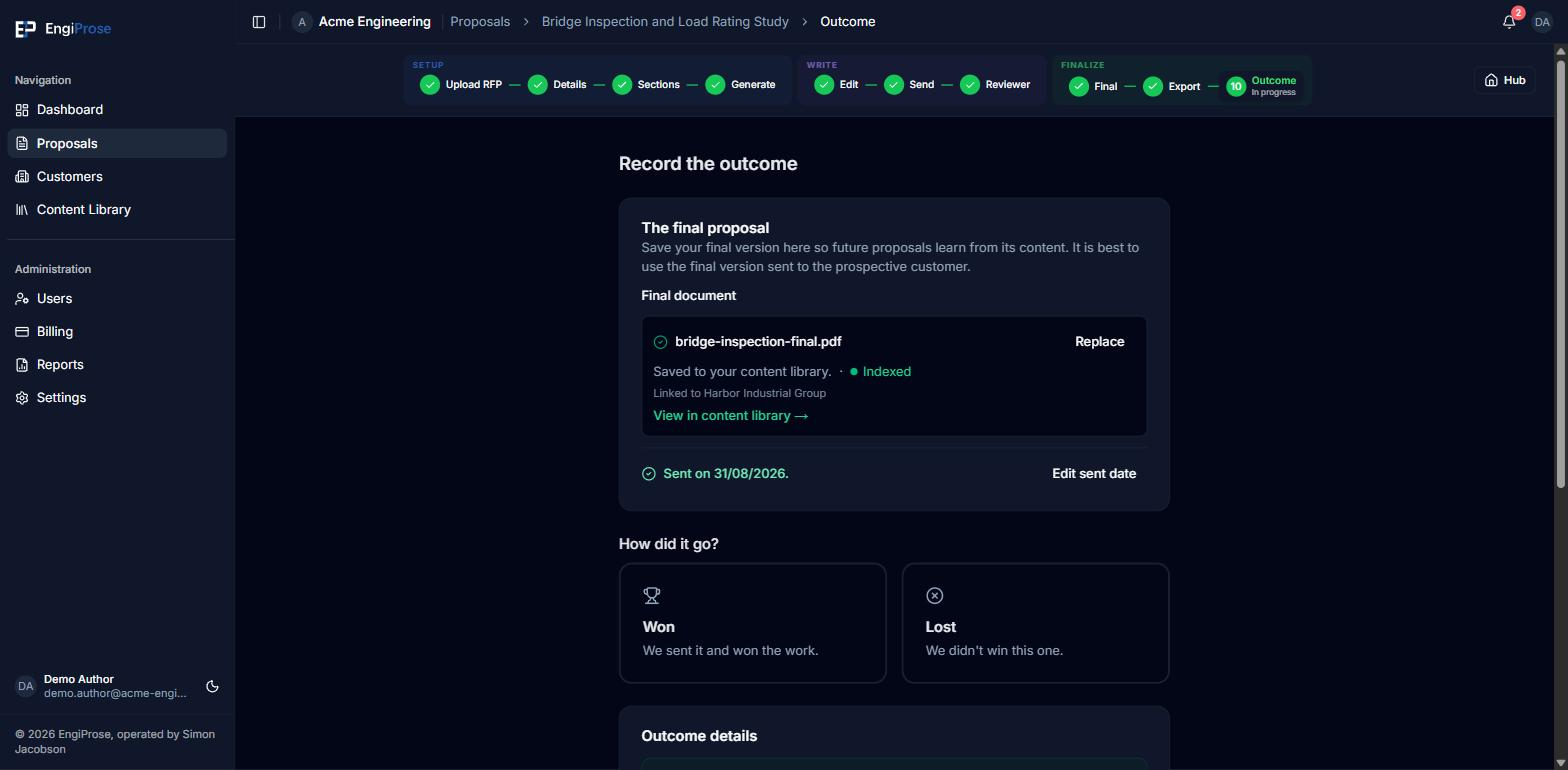
Choose the file you sent to the customer (PDF or DOCX, up to 50 MB).
Confirm the Date sent to customer. It defaults to today; you can backdate it to any date on or after your export date. "Saving the final records it as sent on this date. Defaults to today; override to backdate."
Saving the file marks the proposal sent in one action: you will see "Sent on {date}." with a link to edit that date later if you need to.
Saving here also adds the file to your firm's content library, so future proposals can draw on it the same way they draw on any other past win.
How did it go?
Once the final file is saved, How did it go? unlocks.
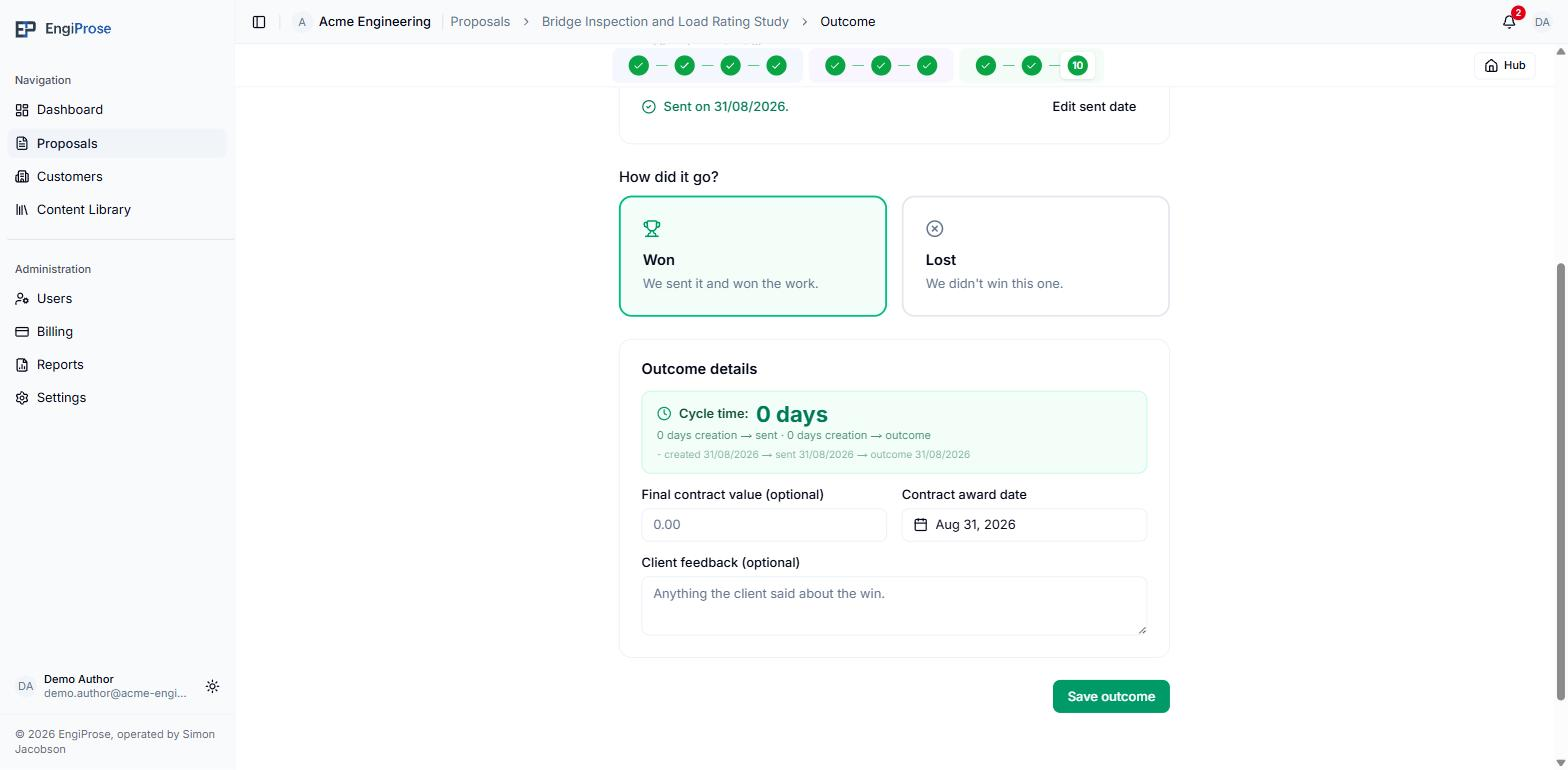
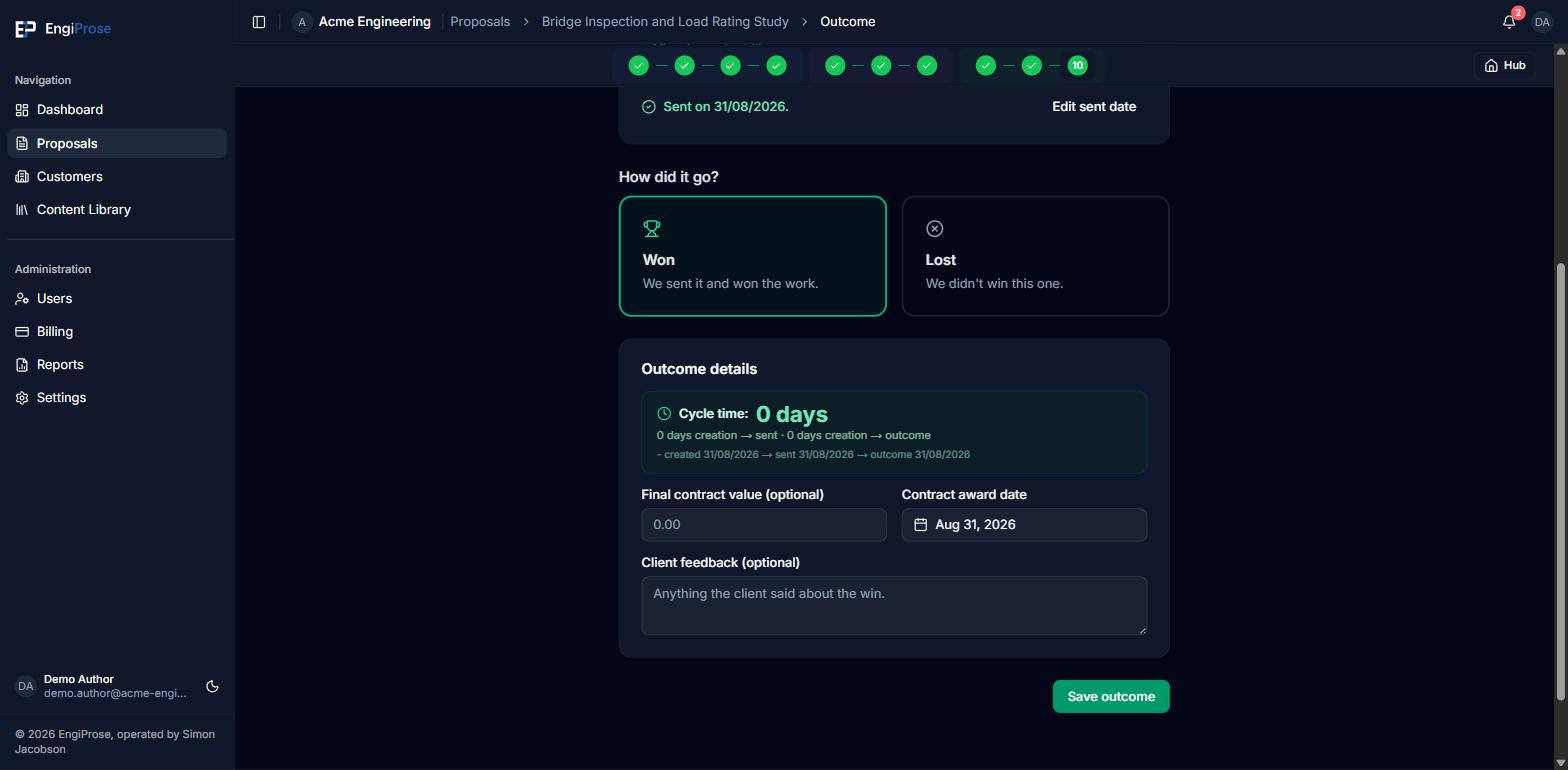
Pick Won ("We sent it and won the work.") or Lost ("We didn't win this one."). The fields below relabel to match your choice: Won asks for a "Final contract value (optional)", a "Contract award date" and "Client feedback (optional)". Lost asks for a "Missed contract value (optional)", a "Date we learned" and "Why we lost", so a loss captures what you learned rather than treating it as an afterthought. A Cycle time pill counts whole calendar days from creation to sent, and from creation to outcome once one is recorded. Select Save outcome to finish.
Once an outcome is saved the screen is read-only for everyone. An Organization Admin or an Admin can select Re-open to correct it: "Re-open this outcome? The proposal returns to Approved and the outcome becomes editable again. The recorded outcome details are kept." Nothing is deleted, so the saved file, the sent date and the outcome are all still there when you edit. To clear those instead, use the Re-open on the Final screen.
The Record outcome pill
From the moment it is approved, a proposal with no outcome yet carries a Record outcome pill wherever it appears in your proposals list, a quiet reminder rather than a warning. It clears as soon as Won or Lost is recorded.
Common questions
Can I record an outcome before I save the final file?
No. "Save the final proposal before recording its outcome" is the gate: Won and Lost stay locked until a file and its sent date are saved.
What if I sent the proposal outside the app, before exporting from here?
Backdate the sent date to when you actually sent it. The date can go back as far as your export date, but not earlier.