

Browse help topics
Why AI actions stop, your firm's AI allowance
What you see when your firm's AI token allowance for the billing period runs out, or was never set up.
Every AI action, generating a draft, rewriting a passage, or anything else the AI does for you, draws on your firm's AI token allowance for the current billing period. When that allowance runs out, AI actions stop, but nothing you have already written is affected: you can keep working manually the whole time.
What you'll do
- Recognize the banner and messages that appear when your allowance is spent
- Understand the difference between "used up" and "never had an allowance"
- Know what to do next, based on your role
When your allowance runs out mid-period
If your organization has an AI token allowance and has used all of it, a banner titled "AI token limit reached" appears at the top of every page for everyone in the organization: "AI features are paused until your allowance resets on your renewal date. You can continue editing manually, or purchase a token add-on to resume AI features immediately." (An organization whose allowance resets on the calendar month reads "at the start of next month" in place of "on your renewal date".)
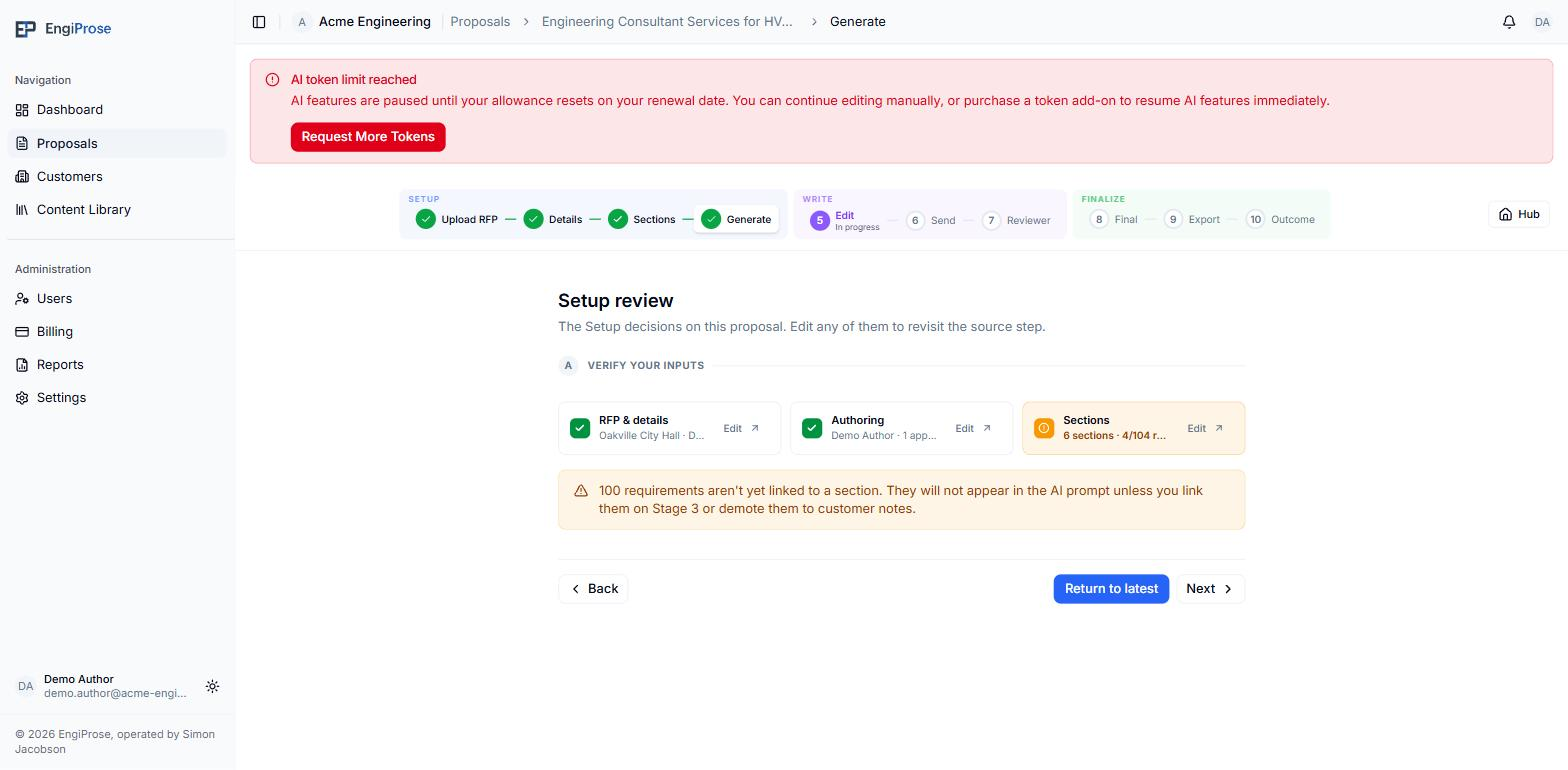
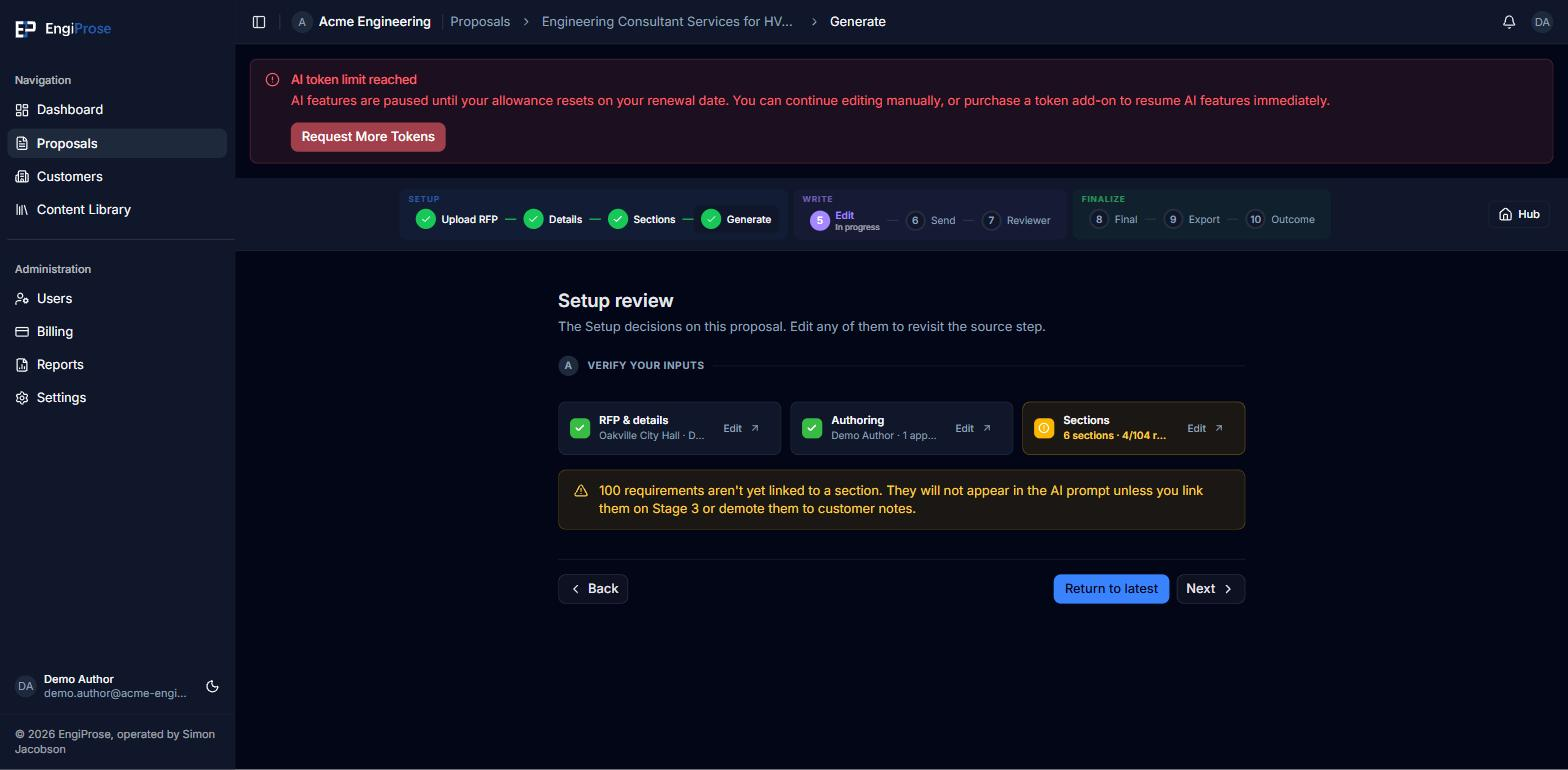
An Organization Admin sees a Request More Tokens button on the banner, linking to Billing. Everyone else sees one more line instead: "Continue editing manually or contact your Organization Admin to purchase additional tokens." The same wording follows you to the point of use. An AI action you attempt while at the limit, such as a rewrite, is refused with "AI token limit reached for this billing period." followed by "Continue editing manually or purchase additional tokens." for an Organization Admin, or "Continue editing manually or contact your Organization Admin to purchase additional tokens." for anyone else.
If your organization has never had an allowance
A different message appears if your organization has no active subscription and has never had an AI token allowance at all. Organization Admins and Admins see a quieter banner titled "No AI token allowance": "Your organization has no AI token allowance for this billing period. You can continue editing manually, and AI features turn on as soon as a subscription is active." An Organization Admin gets a Start a subscription button on it; an Admin sees "Continue editing manually or contact your Organization Admin to start a subscription." instead. Members and Viewers see no page banner in this state, only the message at the point of use: "AI features are unavailable without an active subscription." then "Continue editing manually or contact your Organization Admin to start a subscription." (an Organization Admin reads "Continue editing manually or subscribe to add an AI token allowance." there).
What still works
Generating a full draft with Yolo pauses partway through if the allowance runs out mid-draft; the sections already drafted are kept, and you can keep writing the rest by hand. AI Rewrite refuses a new request the same way, with the message shown as a toast instead of a banner. Nothing you have already written, saved, or generated is lost or reverted when the allowance runs out: writing, reviewing, exporting and every other manual action keep working normally.
Only an Organization Admin manages billing
Buying additional tokens or starting a subscription happens on the Billing pages, which only an Organization Admin can open. If that is not you, the message tells you to contact your Organization Admin rather than showing you an action you cannot take.
Common questions
Does my firm's AI allowance reset automatically?
Yes, on your organization's billing period. The banner's guidance is about what to do right now, not about when it resets.
Can I still export or send a proposal for review if the AI allowance is spent?
Yes. The AI allowance only affects AI actions like drafting and rewriting. Writing manually, reviewing, sending for review, and exporting are unrelated to it and keep working.