

Browse help topics
Send a proposal for review
Send your draft to reviewers, check the readiness heads-up first, and confirm who gets it.
This article applies only when your admin has turned on in-app review. Review is off by default for every new organization; if you do not see a Send stage in your proposal, ask your admin about lifecycle options.
What you'll do
- Read the readiness heads-up before you send
- See who your reviewers are and where to change them
- Add an optional review-by date and a note, then send
Before you send
The Send stage opens with a heads-up, not a blocker: nothing here stops you from sending.
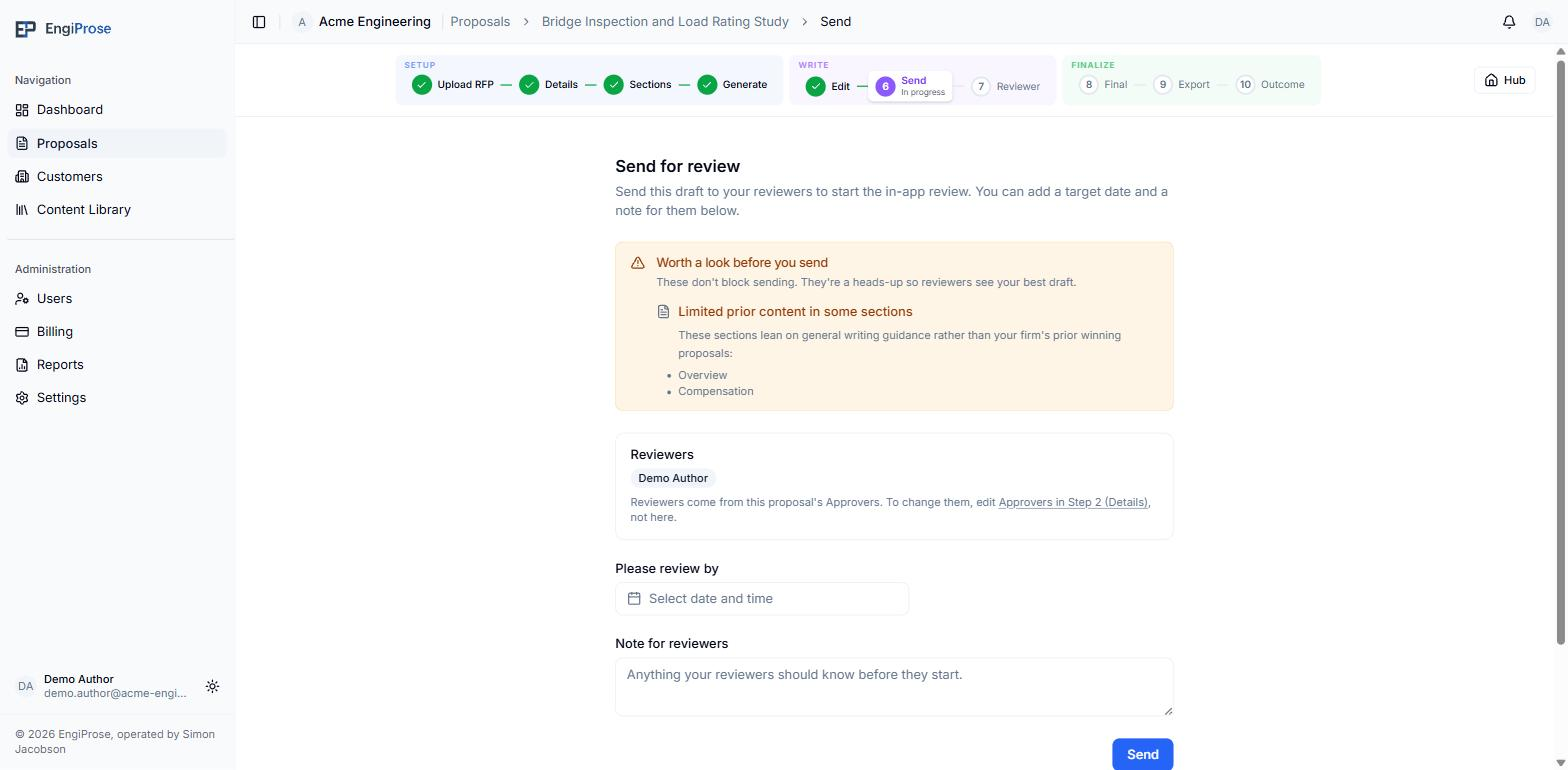
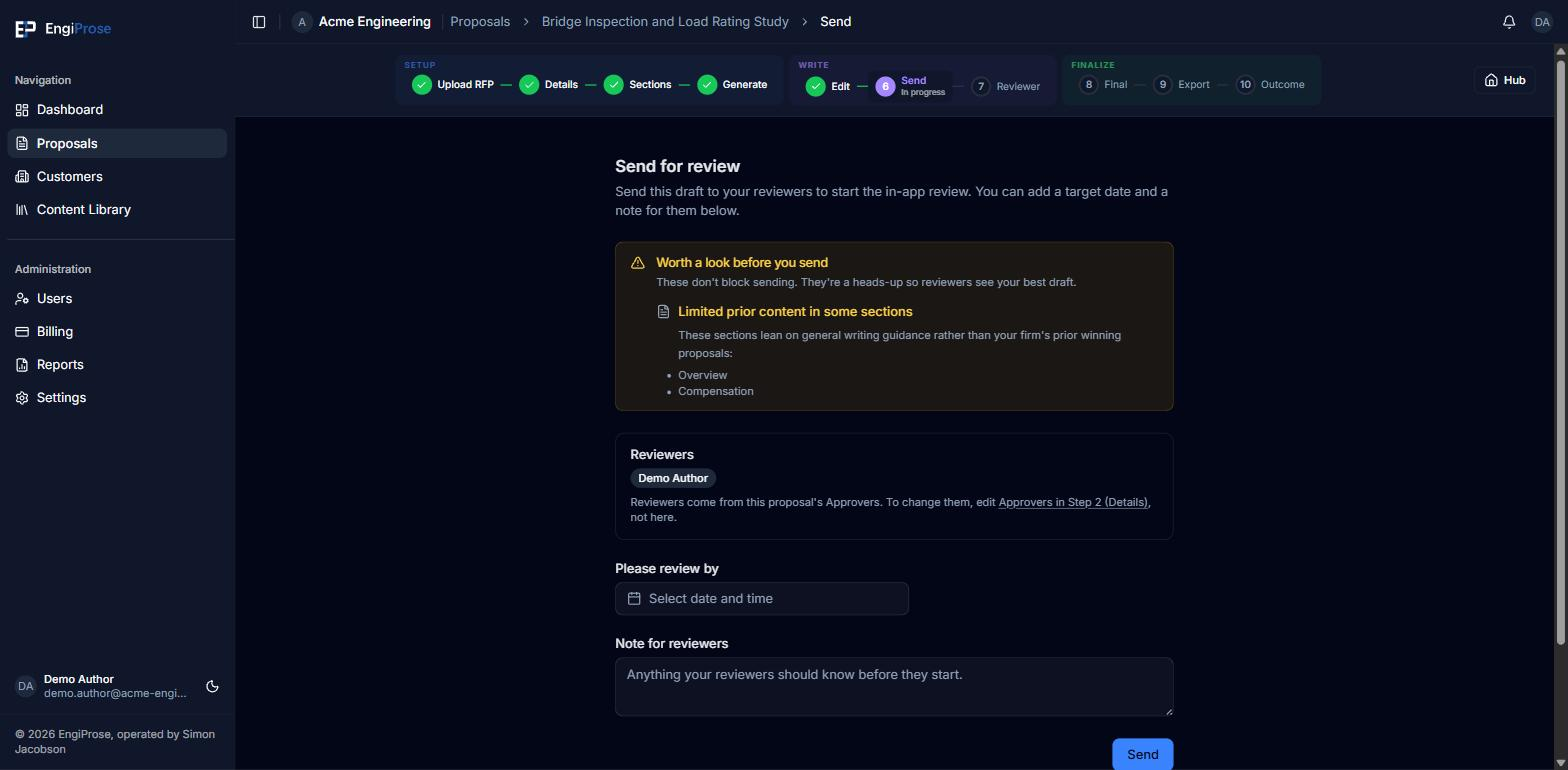
"These don't block sending. They're a heads-up so reviewers see your best draft." Two kinds of items can show up here:
- Unresolved comments on the draft, with a link to resolve them before sending.
- Limited prior content in some sections, the marker described in Novel RFP and thin prior content.
When neither applies, the banner is replaced with "This proposal looks ready to send. No open comments or thin sections."
Reviewers
"Reviewers come from this proposal's Approvers. To change them, edit Approvers in Step 2 (Details), not here." The Send screen only shows who is already set: it is not where you add or remove a reviewer.
If no approver is set on the proposal, the card reads "No approvers configured. Organization Admin(s) will review." instead of a name list.
Review by and a note
"Please review by" is an optional target date you type in here. It is informational for your reviewers and is not persisted anywhere they can see later: nothing in the product tells a reviewer when you asked them to finish. "Note for reviewers" is a free-text field for anything they should know before they start.
Confirm and send
Add a review-by date or a note if you want to, then select Send.
A confirmation lists exactly who will review this proposal. Select Submit to send it, or Cancel to go back and change your date or note first.
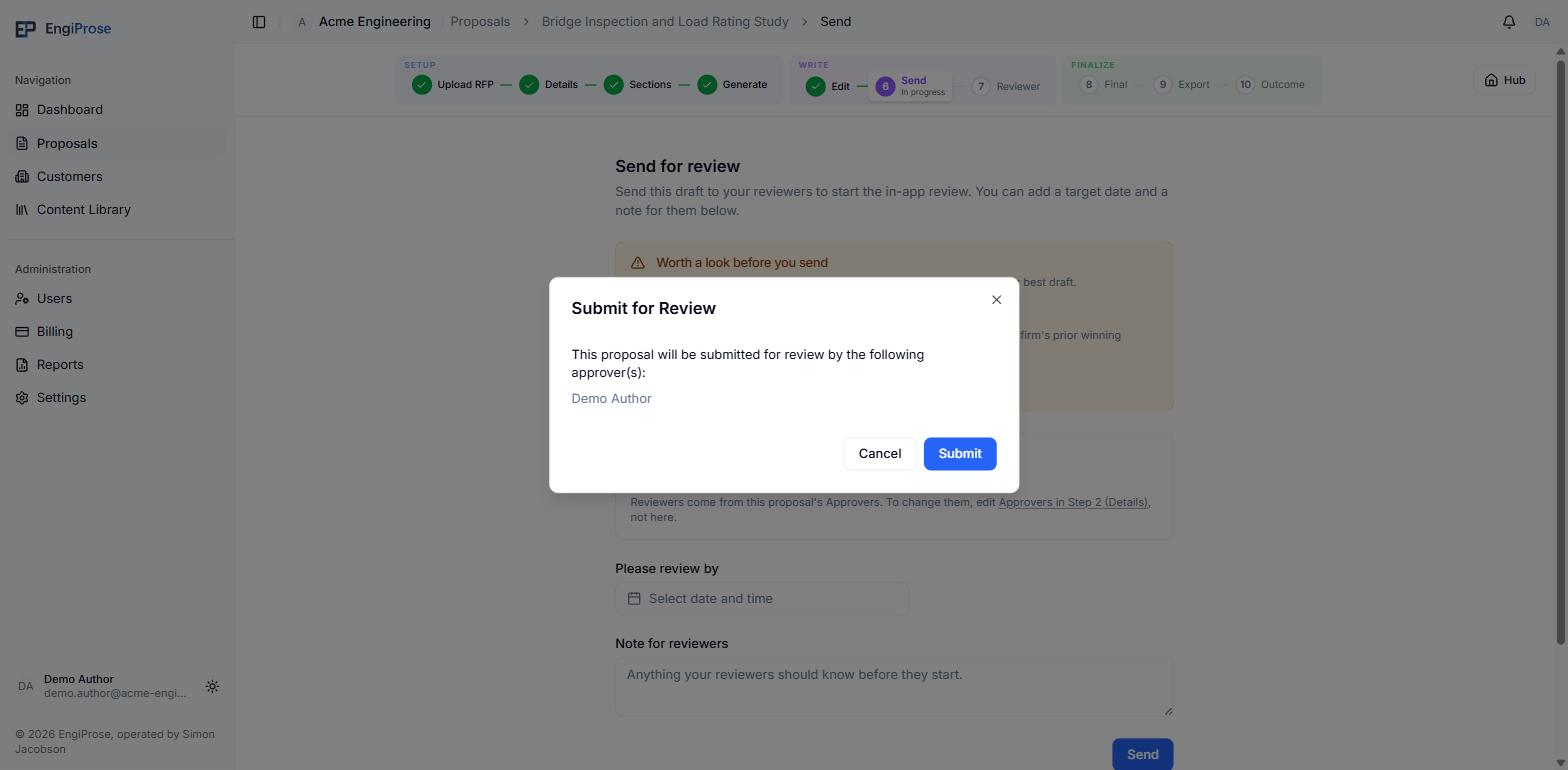
The submit confirmation Your proposal moves to In Review. You land on a quick, optional confidence check ("How confident are you in this proposal?"), which you can skip.
Common questions
Can I still edit the proposal after I send it for review?
No. Once a proposal is in review, editing happens inside the reviewer's tracked changes on Review a proposal, not back on the Edit stage.
What if my proposal has no approver set?
Sending still works. Review falls back to your organization's admins, who can act on it from their own Reviewer view.